I noticed Addie for being sweet and kind
-Jodie
-Jodie
I noticed Mrs. Morrison for being helpful and the best teacher ever!
-Kamilla
-Kamilla
I noticed Gracelyn for cheering up a classmate that was sitting on the Buddy Bench at recess
-Maddie
-Maddie
I noticed Hannah and Jodie for doing the right thing even when the teacher wasn't looking
-Piper
-Piper
Kindergarten Soaring Falcons for March
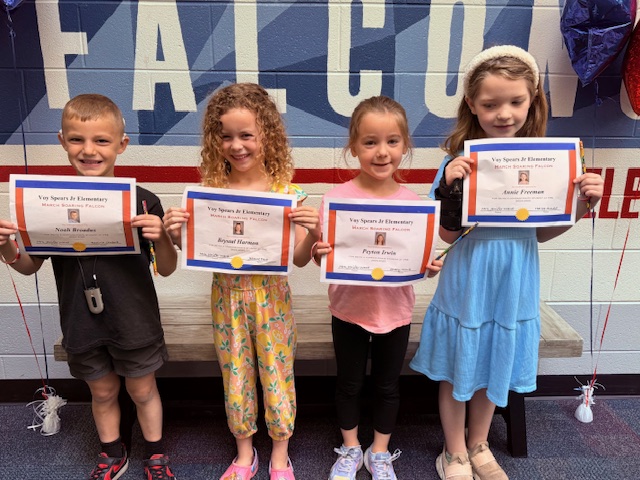
3rd Grade Soaring Falcons for March
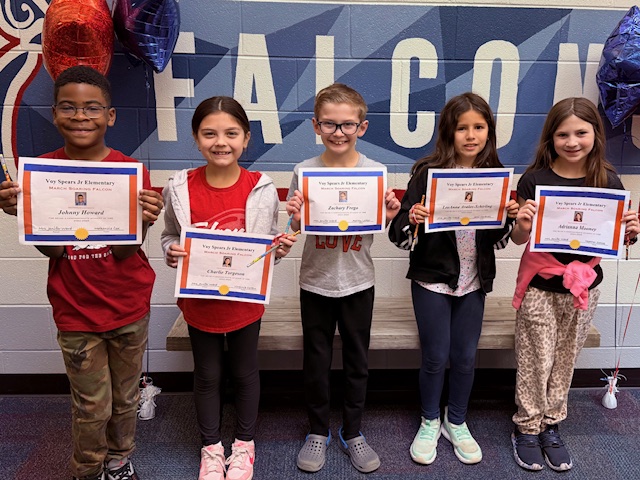
2nd Grade Soaring Falcons for March
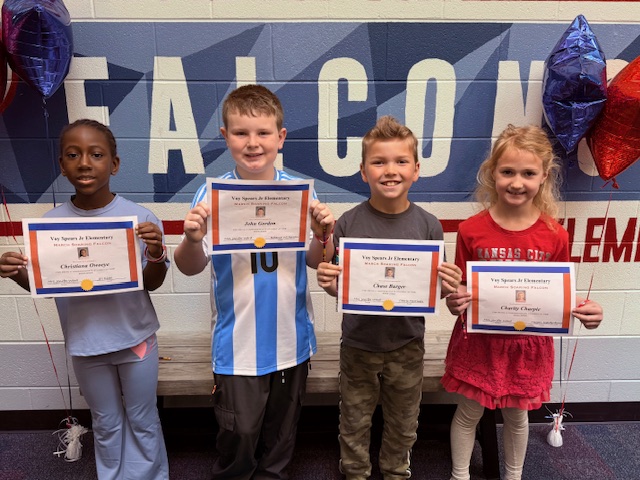
1st Grade Soaring Falcons for March
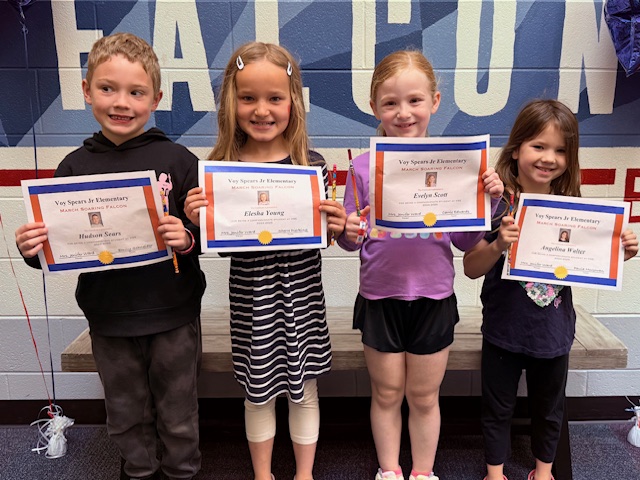
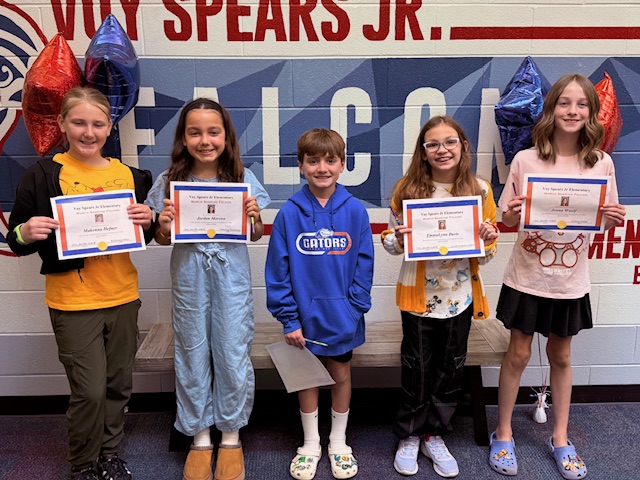
5th Grade Soaring Falcons for March
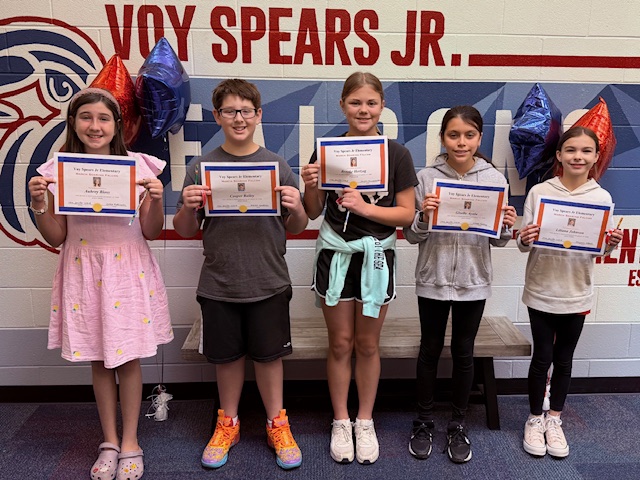
4th Grade Soaring Falcons for March
I noticed Emma for being honest
-Ms. Sallee
-Ms. Sallee
I noticed Liticia for being a good friend
-Charlotte
-Charlotte
I notice Maxwell for being a good friend
-Symone
-Symone
I noticed Lexi, Aubrey and Ariana for being good friends and being nice to others.
-Sophie
-Sophie
I noticed Lincoln for picking up my supplies when they dropped on the floor- he did this without me even asking.
-Peyton
-Peyton
I noticed Brooklyn for letting me play on her iPad when mine was charging.
-Johnny
-Johnny
I noticed Adalyn and Emma for always having a positive attitude.
-Clara
-Clara
I noticed my class for being awesome while adults visited our classroom. I am very proud of you.
-Mrs. Straub
-Mrs. Straub
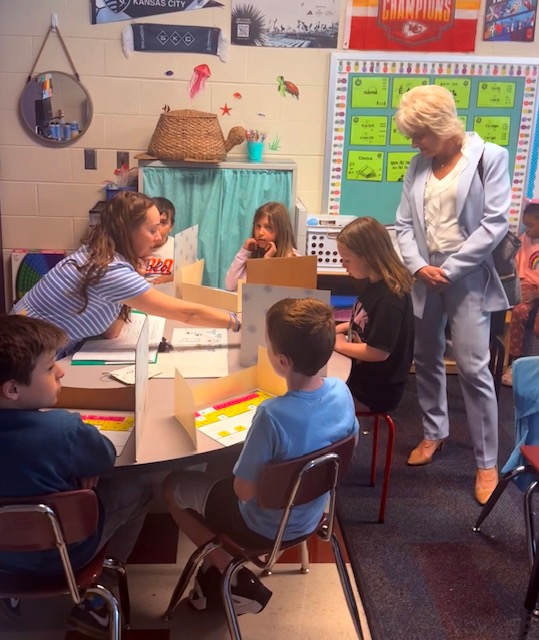
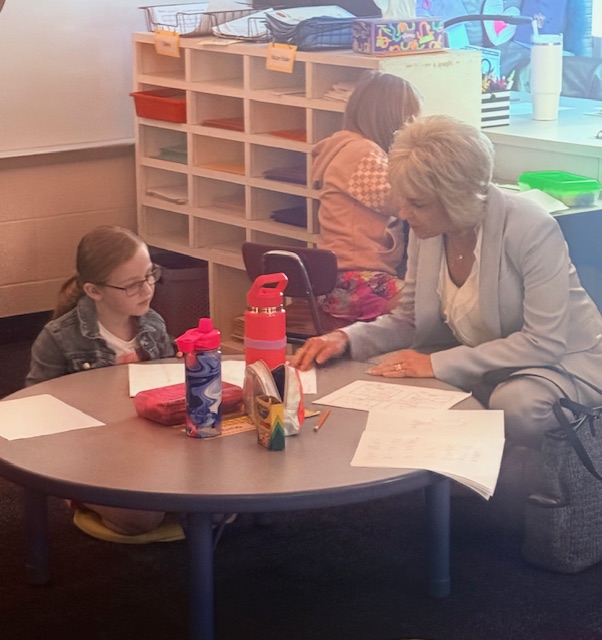
Deputy Commissioner of Education visits VSE
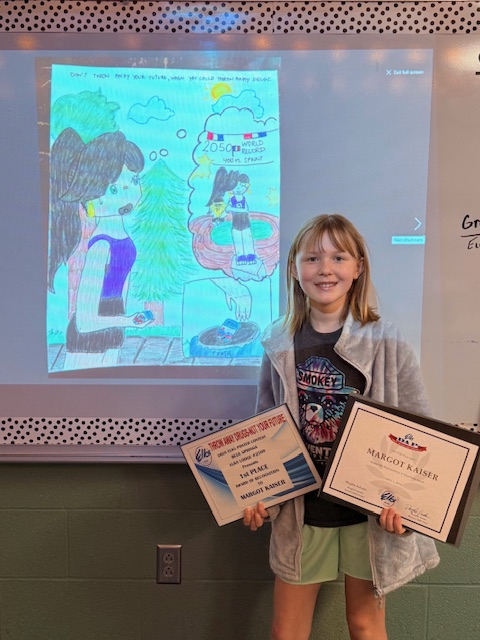
Margot K. is the winner of the Blue Springs Elks Lodge poster contest for "Throw Away Drugs- Not Your Life. Congratulations, Margot.
Deputy Commissioner of Education visits VSE
I noticed Charles for playing with me at recess
-Layla
-Layla
I noticed Jordan for being quiet when others were not.
-Layla
-Layla
I noticed Stella working hard on her class work
-Kinsley
-Kinsley
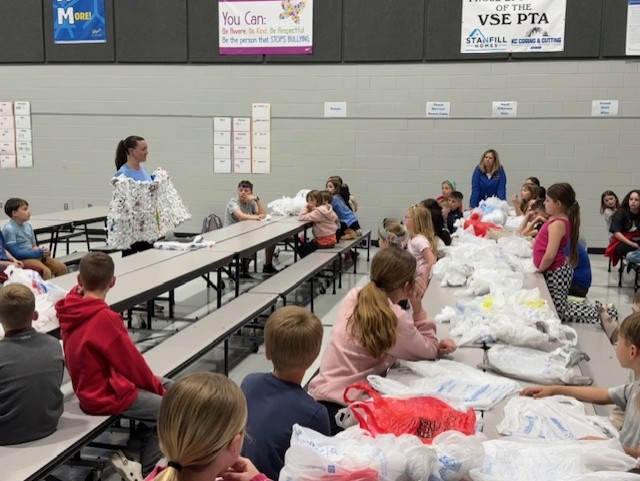
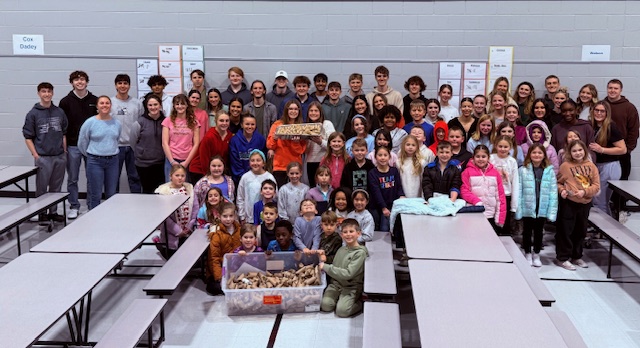
Falcon Impact making plarn (plastic yarn) for bed of bags
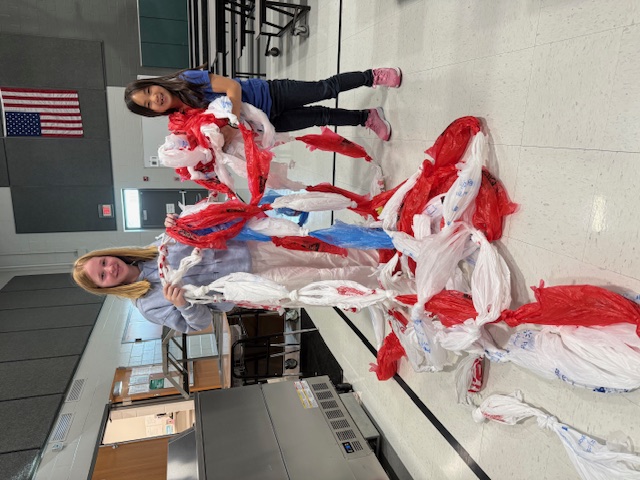
Falcon Impact making plarn (plastic yarn) for bed of bags
I noticed Brecken for stopping himself and not interrupting others while they were talking.
-CeCe
-CeCe
I noticed Kennedy for having integrity when the teacher was talking to an adult and needed to step away for a minute
-Adeline
-Adeline
I noticed Kennedy for helping everyone in class and cleaning up a mess that wasn't hers.
-Ariane
-Ariane
I noticed Mrs. Corbin for being an awesome teacher and an outstanding person.
-Riley
-Riley
I noticed Bristol and Amelia for being there for me when I needed them.
-Emery
-Emery
I noticed Norah for being a great friend all year.
-Ryann
-Ryann
I noticed Evie for being silent in class and working hard
-Aubrey
-Aubrey
I noticed Ryann for being a good friend and always listening to me
-Norah
-Norah
I noticed Isaiah for always being kind and helpful to others
-Savanna
-Savanna
I noticed Ari for being kind and respectful to everyone around her
-Savanna
-Savanna
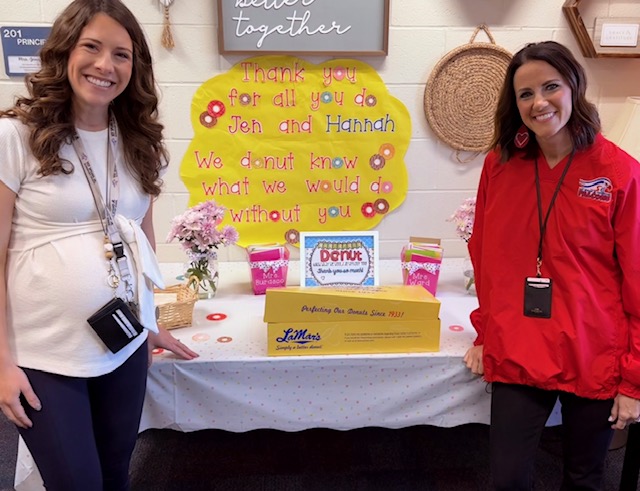
We love our principals!
I noticed Layla for helping others when they felt sad.
-Jordan
-Jordan
I noticed Gabbi for being a kind friend and doing the right thing when asked.
-Adylen
-Adylen
I noticed Addie for being kind to me every day.
-Olivia
-Olivia
I noticed Claire for being kind and respectful to others.
-Adylen
-Adylen
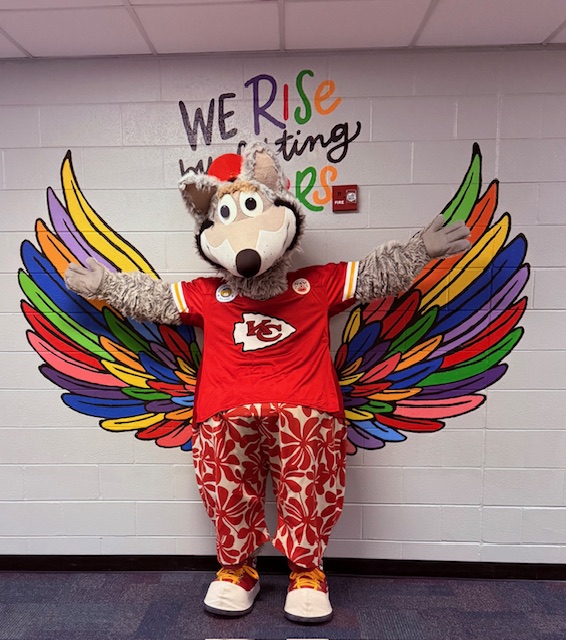
KC Wolf visits VSE

KC Wolf visits VSE
I noticed Jodie for always comforting me when I am sad
-Piper
-Piper
I noticed Mrs. Edwards for being the best teacher
-Layla
-Layla
I noticed Olive for being a good friend.
-Evelyn
-Evelyn
I noticed Evelyn for playing with me at recess every day.
-Layla
-Layla
I noticed Luca for always having my back.
-Bennett
-Bennett
I noticed Luca for being really nice to everyone.
-Jocelyn
-Jocelyn
I noticed Kingston for being a good friend to me.
-Bennett
-Bennett
I noticed Layla for sitting on the carpet quietly.
-Bennett
-Bennett
I noticed Finn for being a good friend to me
-Bennett
-Bennett
I noticed Jordan for packing her things up quickly and quietly at the end of the day.
-Mrs. Edwards
-Mrs. Edwards
I noticed Jordan for being quiet when the teacher was talking
-Bennett
-Bennett
I noticed Kingston for showing amazing listening skills: his eyes on the teacher, hands in his lap and sitting up tall.
-Mrs. Edwards
-Mrs. Edwards
I noticed Harper for reading quietly
-Addison
-Addison
I noticed Vivian for following directions when told.
-Olivia
-Olivia
I noticed Luca for playing with me when no one else was
-Kingston
-Kingston
I noticed Jordan for being quiet when the teacher was talking
-Bennett
-Bennett
I noticed Liliana and YaunXuan for being kind and caring towards their classmates
-Ella T
-Ella T
I noticed Ella B, Kiersten, and Stella for being hard workers and awesome helpers in class.
-Ella T
-Ella T
I noticed Kinley for paying attention in class and working hard.
-Meeka
-Meeka
I noticed Welles for getting his work done and helping others.
-Ella T
-Ella T
I noticed Elin, Dalton, and Lincoln for being great friends to their classmates.
-Ella T.
-Ella T.
I noticed Mr. Nick for keeping our school look great.
-Jayse
-Jayse
I noticed Theo for being a good friend to others in class.
-Mrs. Schneider
-Mrs. Schneider
I noticed Brooks for picking up my markers for me.
-Hudson
-Hudson
I noticed Nathan, Meeka, Bohen, Gavin and Brooks for being kind to others.
-Ella T
-Ella T
I noticed Lincoln for picking up a mess he didn't make.
-Liliana
-Liliana
I noticed the lunch ladies for always being kind and helpful
-Elin
-Elin
I noticed Mrs. Watson for being the best teacher and being kind to all students.
-Ella T
-Ella T
I noticed Kinley for picking up trash that wasn't hers.
-Stella
-Stella
I noticed Alexandra for being a kind friend to others in the class
-Mrs. Schneider
-Mrs. Schneider
I noticed Piper for checking on a friend and showing kindness
-Mrs. Schneider
-Mrs. Schneider
Falcon Impact and BSSHS National Honor Society
I noticed Bentlee for working hard at school
-Mrs. Schneider
-Mrs. Schneider
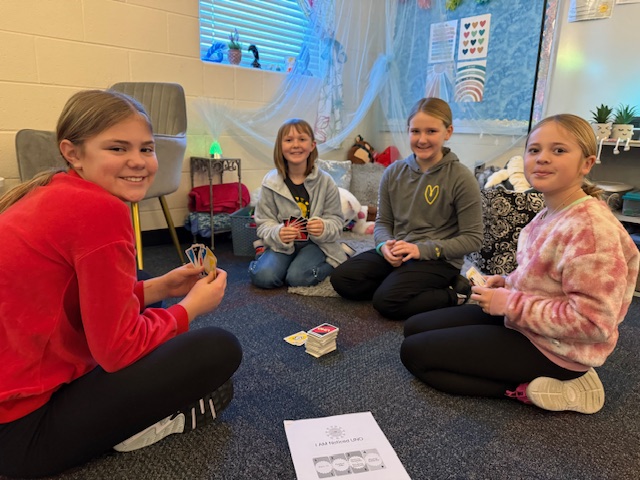
Peer Leaders working on their leadership skills
I noticed Kinley for being kind, caring, a great listener and an amazing friend to others.
-Ella T
-Ella T
I noticed Margot for being helpful, kind and a great friend.
-Ella t
-Ella t
I noticed Liam for putting a game away that we finished playing.
-Kearnan
-Kearnan
I noticed Wyatt for picking up toys around the classroom
-Liam
-Liam
I noticed Mrs. Dadey for being nice to her students and helping me understand some math problems.
-Sophie
-Sophie
I noticed Eleanor for being so kind to everyone every day.
-Molly
-Molly
I noticed Penelope for giving us a bag of sweets
-Tristan
-Tristan
I noticed Zane for promising not to talk when he isn't supposed to
-Johnny
-Johnny
I noticed Jaxton for always making me laugh out of nowhere
-Macy
-Macy
I noticed Johnny for being respectful to the teacher
-Liticia
-Liticia
I noticed Angelina for helping me open up a band aid when I was hurt
-Kearnan
-Kearnan
I noticed Mrs. McGowan for helping me when I needed it
-Greyson
-Greyson
I noticed Mrs. Browning for always being a ray of sunshine and for being kind to others
-Savanna
-Savanna
I noticed Joshua for giving me some of his goldfish for snack
-Josiah
-Josiah
I noticed Annali for listening to the teacher when she is talking
-Liticia
-Liticia
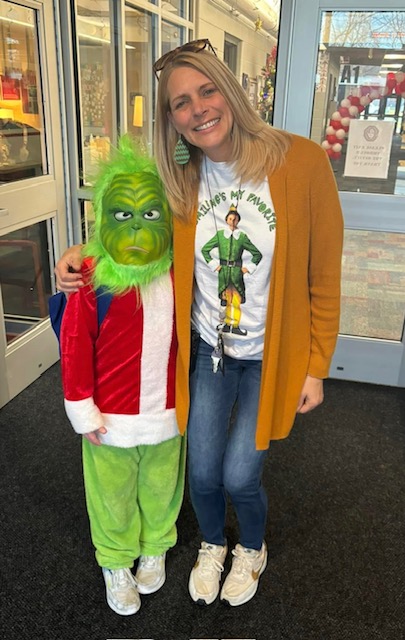
Holiday Fun!
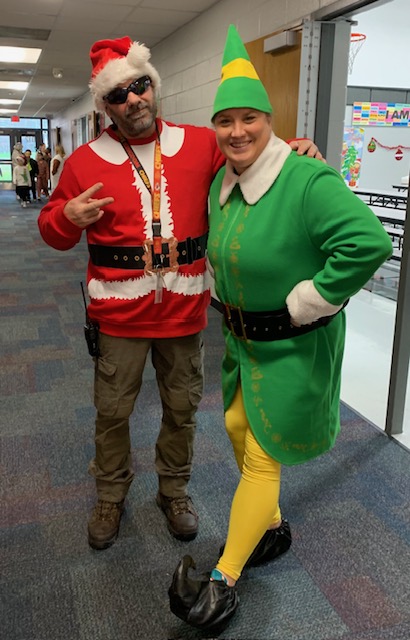
Holiday Fun!
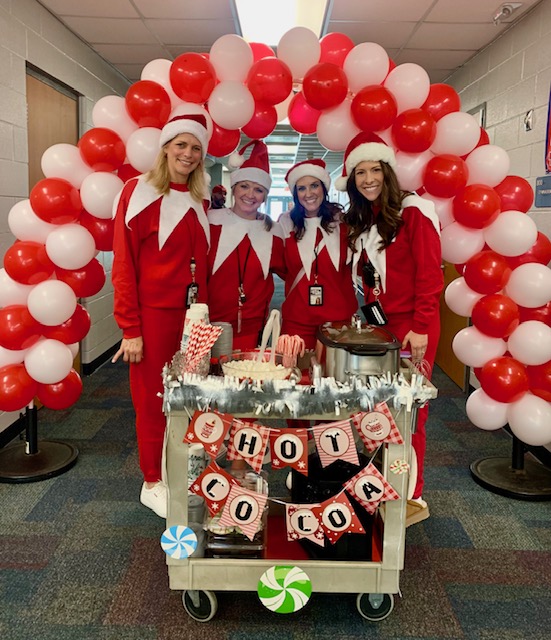
Hot Chocolate!!
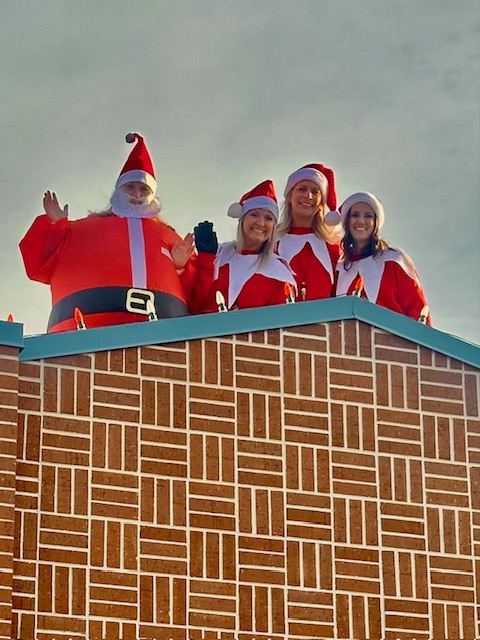
Elf on the Roof
I noticed Landon for being a good friend and being nice to me
-Zach
-Zach
I noticed Kaiden and Jodie for helping me when my stuff fell on the floor.
-Sophie
-Sophie
I noticed Makenna for being quiet in the classroom and being nice to me
-Teagan
-Teagan
I noticed Sienna for being so funny and kind and always making my day
-Aubree
-Aubree


