kodos to you for being yourself
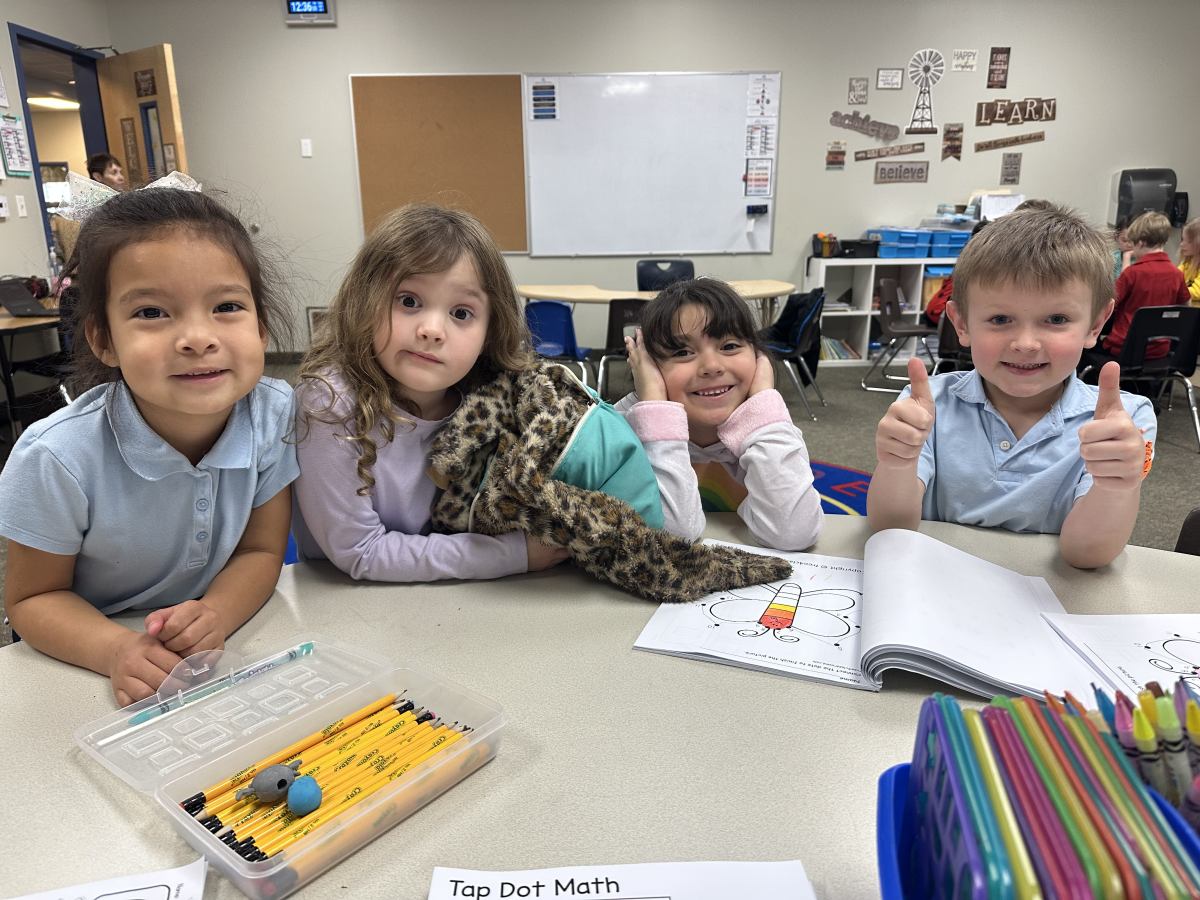
Kudos to Sammy, Maddy, Samara, and Carter for their amazing work in math WIN time! They are rocking it!
Kudos to Max Davis Donavan Thompson and Spencer Jeppson And Rudra ahir And all the kids that help play kickball during recess
kudos to even in the play NEWSIS!!! for doing the show!!!


Kudos to Mr. Rob for doing amazing directing!!!
Kudos to you for being yourself!!!
Kudos to Mrs. Malone's class for working so hard and improving so much in math!
Kudos to Maliha and Hollis for passing off their multiplication grid! Woohoo!
Kudos to Hollis, Rowen, Ella and Harper for working so well together in their ELA group.
Kudos to Jorge and Carrie for helping Ms. Darcy put scooters away.
Kudos to Josefina for passing off her multiplication grid! 144 questions in 5 minutes! Woohoo
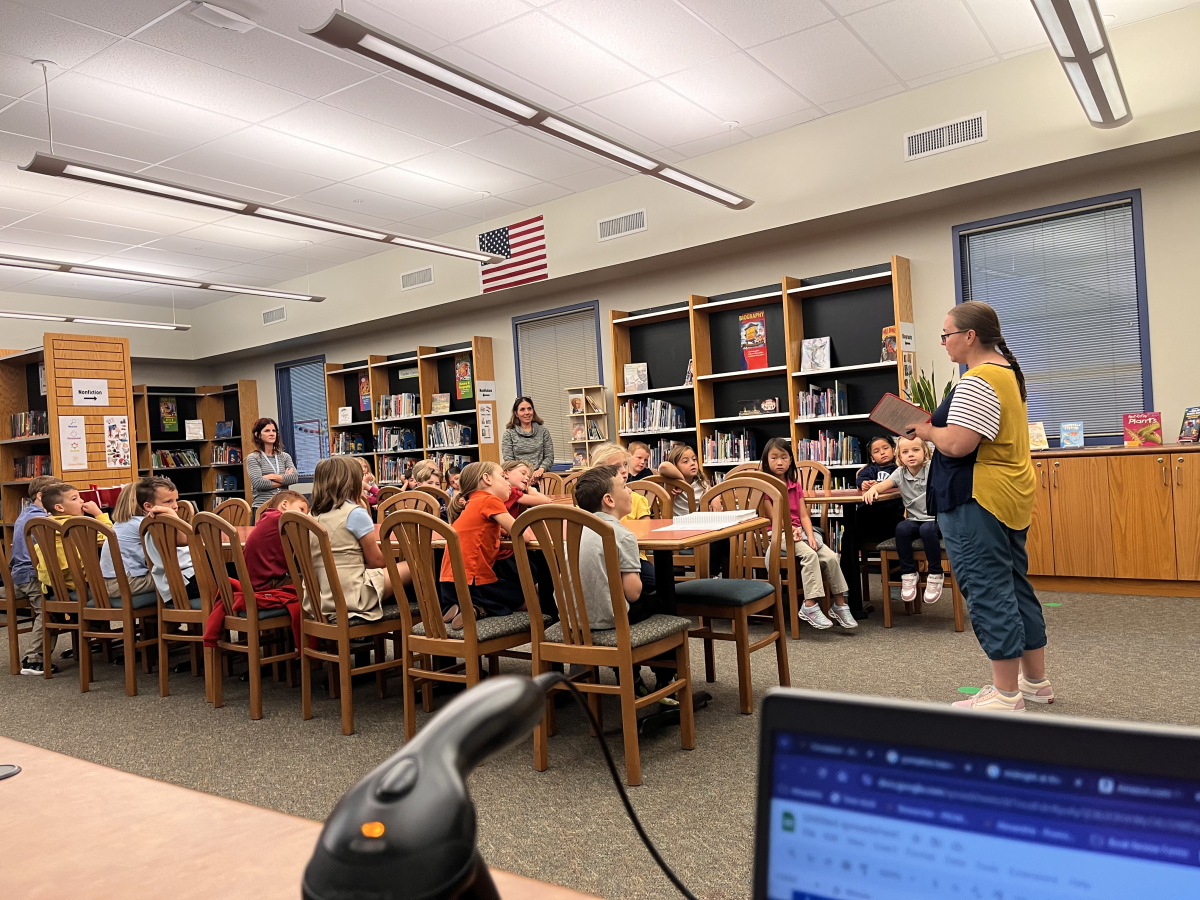
Kudos and a huge shout out for Darcy and Kim in the 3-4 community! They decorated the floor to look like a train track and put up our Guiding Questions along with a Great Thinker board! Yahoo, Yippee, and Giddy-Up!
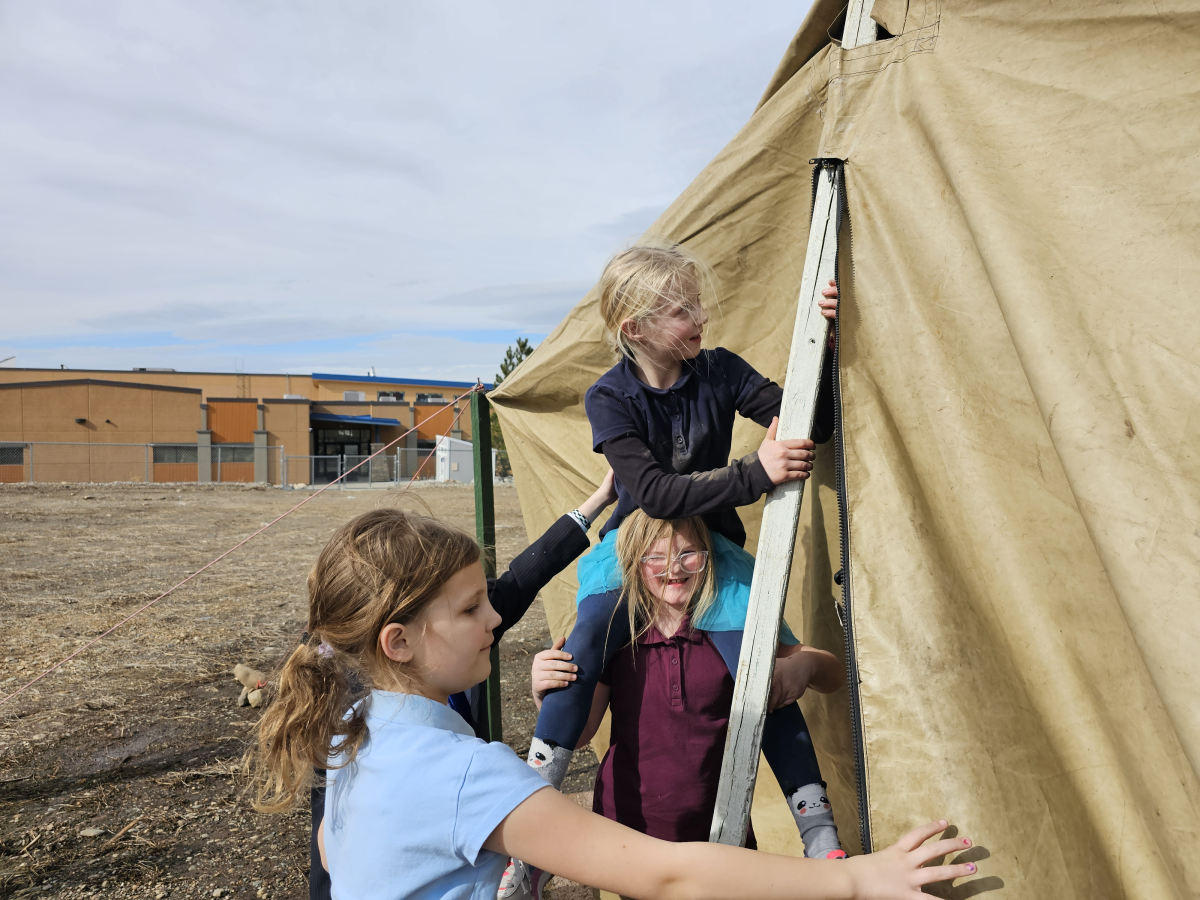
Kudos to our WIN class in Ms. Petersen's crew. They went out to fix the tent and with some ingenuity and grit...they were able to work as a team to get it back up after the wind storm.
Kudos to Jorge for working so hard on his cursive!
Kudos to Matthew Rodgers for being friendly and kind.
Kudos to Taylor webb for helping me
kudos to masen meyers for being the bestest friend ever!
kudos to Autumn m for being so nice and amazing:)
Marvin schaber for being a good friend
Kudos to Marlie Mason for working hard and being a good friend!
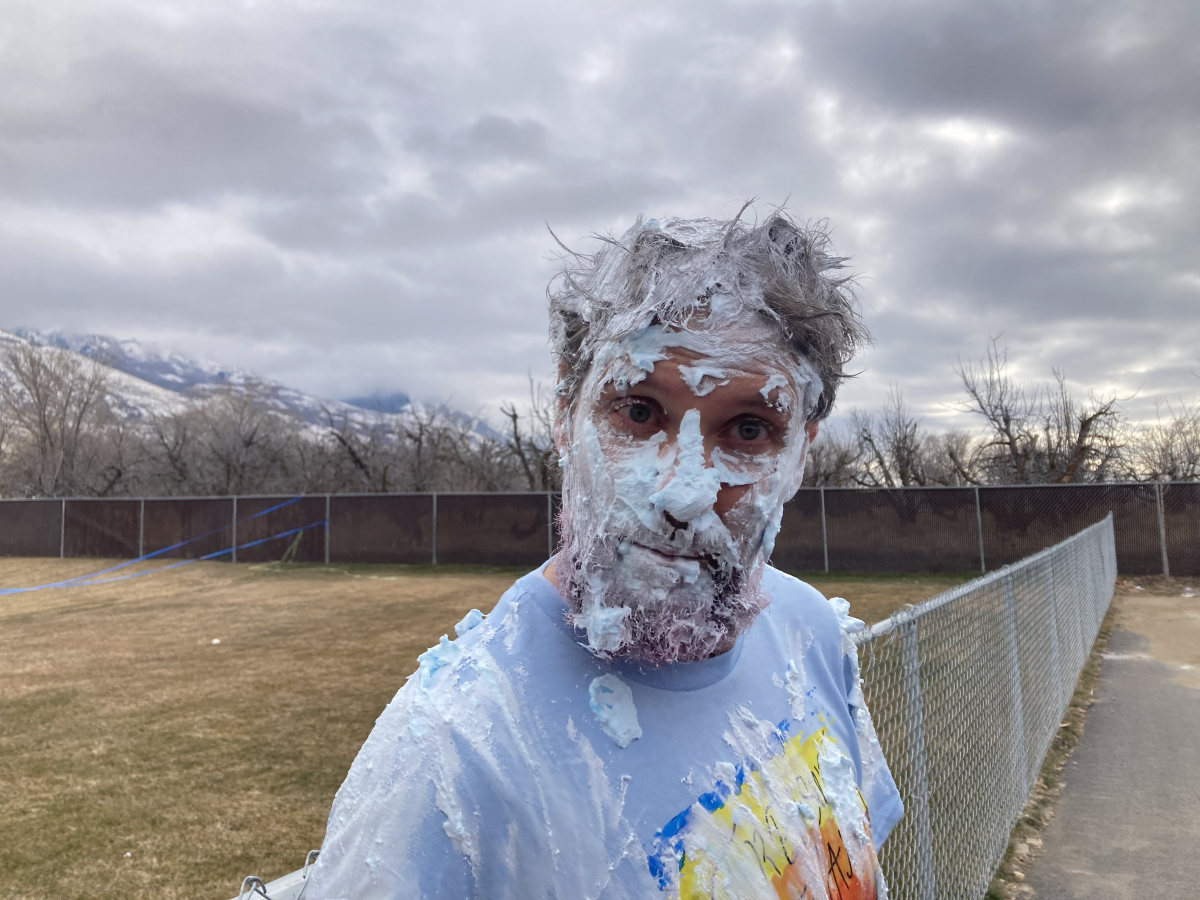
Kudos to Mr. Rob For being a good sport when he got shaving creamed by his students
Kudos for Eliythea Ashley for being a great friend
kudos to Ellis Newman for being a good friend
kudos to Ryan for being a good friend.
kudos to Presley for being the best friend to every body.
Kudos to Gwen Brough for working so hard to turn her magazine article into a work of excellence.
Kudos to Ryden, for showing integrity when his hat was taken away.
Kudos to:
Eli Stevenson
Bentley Mangum
Karina Armenta

for helping their classmates do computer stuff.
Kudos to JACOB WESTOVER for helping a child who slipped and fell down outside.
Kudos to Mrs Wells for always being patient

kudos to Henry for being a good friend.
Kudos to Jeff for doing his work and being a good friend
Kudos to Katie Arrington for being an amazing friend and always looking out for others.
kudos to wesly bird for getting his work done
i give kudos to easton eyster for being a great freind
kudos to Braelyn Dufala for always working hard
kudos to Ronan.c for being a good friend
Kudos to Rudra Ahir For making his friends laugh
Kudos to Will Thatcher for giving me one of his cookies for my birthday! 💙
Kudos to everyone in the school for being awesome :):):)
Kudos to Tayler, shellby ,Gus and Jorden for bing amzing friends
kouds to Gwen for bing nice to me all the time
Kudos to Amelia Anderson for being awesome <3
kudos to Grace Bevan for being kind to everyone.
Kudos to Teanika and Autumn for being such wonderful friends. When I was alone, they stepped up and introduced themselfs. They are now my best friends.
kudos to Annie for being a good friend
kudos to Kyla for being a good porson
kudos to Aubrie for being a good friend
Kudos to gus for an amazing game of sharks and minnos
Kudos to Mrs.Scott for being an AMAZING teacher
Kudos to Masen Meyers for a awsome friend.
Kudos to Luke. S for working hard on his SLC's
kudos to June, Tori, kenzie, and Gwen for being nice to everyonr
Kudos to Declan Flynn for being such a good friend.
kudos to Levi for being kind and generous
kudos to Easton Eyster for helping me and being a good friend.
kudos to alice for being a good friend.
kudos to Easton Eyster for helping me and being a good friend.
kudos to Ms Tami for being such a good tecert to everyone from her hole class.
kudos Mattie Meyers for getting all her work done
kudos to June for being an awesome friend and helping out
Kutos to Tayler, Shellby and Gus for being great friends
kudos to masen meyers for working hard on STmath
kudos to oliver clark for being a good friend to others
kudos to ryker hamson for staying on task
kudos to liberty for being good in class
kudos to liam yates for helping frends
kudos to Mrs Whipple for being such an awesome teacher
Kudos to Bri and Aria Being a great friend and being kind.
Kudos to Mrs.Wick for being an amazing teacher!
Henry is the best because he helped me with my homework.
Kudos to Haylie Arrington, Caroline Rich, and Paige Sorenson for having smiles on their faces every day, and being such great friends!
Kudos to Masen Meyers for working hard on ST Math
Kudos to Parker bongard for being an absolutely amazing friend.
kudos to johnny Davidson for always doing his work the first time he is asked
Kudos to all y’all 😊😀❤️
to Tori for being amazing!
i want to give kudos to lexi jay for being a great friend
kudos to Baylee gerhardt for being a good friend
kudos to Gracie Flynn for being awesome and smart
thank you Clara for being an amazing friend, with a fun personality!
Kudos to Grace Bevan for being a AMAZING FRIEND and being kind.
Kudos to Oliver clark for being the best friend ever and for trying hard
Kudos to Jaxyn Winningham for being awesome and helpful
kutos to miss tami for being a amazing teacher 🙂
kudos to miss ivy for being a amazing aide
kudos to mk for awesome smile
Kudos to everyone for trying as best they can!
kudos to Gwen Bruff for working hard enough to get bumped up in math.
Kudos to Ms. Delaney & her crew for adjusting quickly and staying on task when faced with a challenge!
Kudos to Caroline Rich for being so optimistic, funny, and generous!
Kudos to Caroline Rich and Paige Sorenson for being amazing friends and always being kind to everyone.
Kudos to Taylor Webb for being a good friend.
Kudos to Mr. Rob for being the funniest math teacher ever!
Kudos for Teanika and Taylor for being so nice and a good friend!
Kudos to Dahlia Patino-Arreguin for being the best friend anyone could wish for!
Kudos to Mrs. Emily for hosting the Hope Squad!
To Elaina for helping everyone
kudos to Brayden for being nice
kudos to ms Tami for helping us stay on task.
Kudos to Taylor Webb for being so kind and always trying her best!!!
Yes! There are no Sign-Ups and no Log-Ins required in order to participate, as we collect no data or information of any kind. The platform is currently being used by large and small school systems throughout the country in almost all 50 states, and it has passed 100% of all school privacy regulations to date.
Yes! You can have all messages sent to as many faculty email inboxes as you’d like for Approval, and we can change or add to this list at any time.
Yes! Many of our schools do this, because if your students take to it – then the messages can begin to overflow your school email inbox at times. Not only will a separate gmail account prevent this from happening, but you can also make it accessible to all faculty members if you choose to.
You can choose one of three ways to display your messages onto a facility TV monitor.
  1. HDMI CORD – Some schools will access their Kindness eWall on a laptop and run an HDMI cord to their TV monitor.
  2. CAST – Some schools will access their Kindness eWall via a tablet or device and will cast it to their TV monitor via a Chromecast or Apple TV device.
  3. SMART TV WITH INTERNET BROWSER – If your Smart TV has an Internet Browser (Samsungs), then you can place your Kindness eWall link in the browser and it will run from there.
Yes! You can edit the text of any message before Approving it. In addition, if you’d like to keep a message but would like to remove an included image… or if you’d like to keep an image and remove the text, then you can do this before Approving the message. Your Rotating Display will only display exactly what you choose to make visible.
You will have a back office ADMIN PANEL that will allow you to delete, edit, and approve messages (individually or in bulk).
You will have a back office ADMIN PANEL that will allow you to customize your colors, logo, title, and font size.
Upon your request, we can replace your current Anonymous Submission Form with a Form from your school’s email system (ex. Google Form). This makes messages come to you with the author’s email address included, and you simply COPY/PASTE the message onto your INSTANT POST Page in order to make it live.

(Note: Because messages are submitted through your school’s email system, the Character eWall collects no data or information – making it fall within all school privacy regulations.)
We can provide your Tech Team with a simple line of code that will allow them to embed your Rotating Display of Approved Messages onto your school website, so that they are visibly scrolling whenever anyone comes to your site.
The system is set to display the 100 most recently Approved messages, as older messages start falling out of the rotation in order to make room for the newer messages. However, we can increase or decrease this number to be whatever you’d like it to be.
Your subscription includes an unlimited number of messages and an unlimited number of displays for everyone in your school for the entire length of your subscription.
Yes and No. Your Character Wall is a web app, but it is not located in an App store. However, this link shows you how you can easily turn your Kindness Wall into an app for any android or apple device: Phone Web App Instructions
Phone App Install Feature
Currently, YouUplift does not have an app located in the App Store. However, the following link provides simple instructions on how to easily turn your Kindness eWall into a homepage app for any mobile device: Phone App Install Instructions
(Great tech assignment for students!)
Website Embed Feature
This feature provides your Tech Team with a simple line of code that would allow you to embed your Rotating Display of Positive Messages into your school website, so that visitors can instantly see your messages.
Social Media Share Feature
This feature places Social Media Share Buttons on your entire Kindness e-Wall webpage or just on your Rotating Display only – whichever you prefer.

Yes! There are no Sign-Ups and no Log-Ins required in order to participate, as we collect no data or information of any kind. The platform is currently being used by large and small school systems throughout the country in almost all 50 states, and it has passed 100% of all school privacy regulations to date.

Yes! You can have all messages sent to as many faculty email inboxes as you’d like for Approval, and we can change or add to this list at any time.

Yes! Many of our schools do this, because if your students take to it – then the messages can begin to overflow your school email inbox at times. Not only will a separate gmail account prevent this from happening, but you can also make it accessible to all faculty members if you choose to.

You can choose one of three ways to display your messages onto a facility TV monitor.
  1. HDMI CORD – Some schools will access their Kindness eWall on a laptop and run an HDMI cord to their TV monitor.
  2. CAST – Some schools will access their Kindness eWall via a tablet or device and will cast it to their TV monitor via a Chromecast or Apple TV device.
  3. SMART TV WITH INTERNET BROWSER – If your Smart TV has an Internet Browser, then you can place your Kindness eWall link in the browser and it will run from there.

Yes! You can edit the text of any message before Approving it. In addition, if you’d like to keep a message but would like to remove an included image… or if you’d like to keep an image and remove the text, then you can do this before Approving the message. Your Rotating Display will only display exactly what you choose to make visible.

You will have a back office ADMIN PANEL that will allow you to delete, edit, and approve messages (individually or in bulk).

You will have a back office ADMIN PANEL that will allow you to customize your colors, logo, title, and font size.

In it’s default setting, your school’s Kindness eWall uses an Anonymous Submission Form in order to comply with all school privacy regulations. Therefore, though you will be able to APPROVE all submitted content before it becomes visible, you will not know who the author of the message is.


HOWEVER, upon your request, we can include a SUBMISSION FORM LOGIN which would require users to enter their email / password in order to submit a message. This would allow you to APPROVE all submitted content before it becomes visible and will also provide you with the email address of each message’s author (whether you Approve it or not).

We can provide your Tech Team with a simple line of code that will allow them to embed your Rotating Display of Approved Messages onto your school website, so that they are visibly scrolling whenever anyone comes to your site.

The system is set to display the 100 most recently Approved messages, as older messages start falling out of the rotation in order to make room for the newer messages. However, we can increase or decrease this number to be whatever you’d like it to be.

Your subscription includes an unlimited number of messages and an unlimited number of displays for everyone in your school for the entire length of your subscription.

Yes and No. Your Kindness Wall is a web app, but it is not located in an App store. However, this link shows you how you can easily turn your Kindness Wall into an app for any android or apple device: Phone Web App Instructions