Shout out to the Naubuc specials team. I am so lucky to work with such a supportive group. I couldn't imagine having better colleagues!
GIGANTE shout out to the Elementary Spanish Team (FLES). Collaboration turns lesson ideas for a new first grade curriculm into magic and IPAs into masterpieces . Our support and empathy keep us growing stronger every day.
Teamwork really is our superpower!!
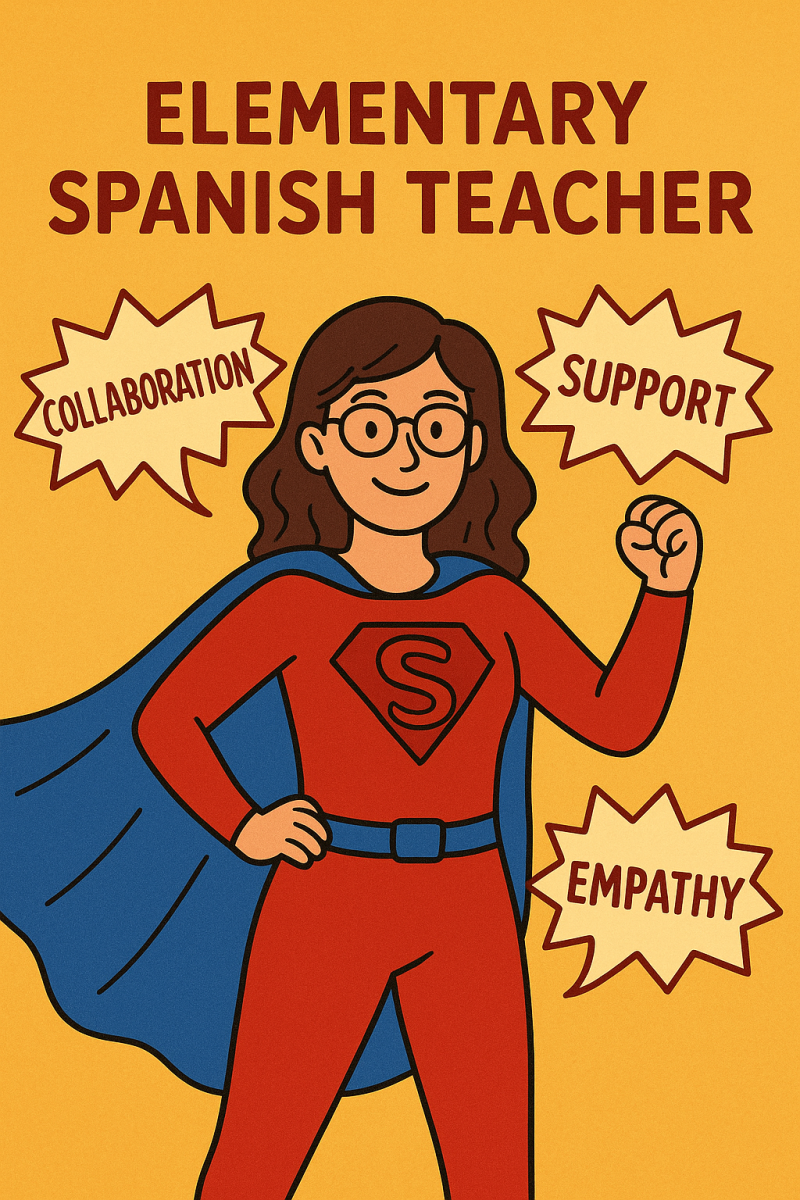
Teamwork really is our superpower!!
Thank you to my 6th Grade Gideon Math Team!
1 + 1 + 1 + 1 + 1 = 1-der-ful
1 + 1 + 1 + 1 + 1 = 1-der-ful
Shout out to Mike Fahey for bearing with my last-minute preparations for PL day! And being fun to run a group with 🙂
-Sarah Rubelmann
-Sarah Rubelmann
Shout out to GPS and the cafeteria staff for keeping us well fed today!

My chemistry team is such an awesome group of people and I am truly thankful for their support in all that we do. They make me a better teacher and person.
Shout out to Team Congo at Gideon Welles for being my 2nd family! I’m so grateful for your daily support and camaraderie.
6-7
Naubuc School is cool, yeah! Love my Naubuc family!
🌟 Shout-Out to Our Amazing Math Director! 🌟 A huge thank you to BRENDA GREGORSKI for giving us the time and space to collaborate, plan co-teaching strategies, explore AI tools, and prepare for the transition away from essential math tool like Classkick. She truly understands the needs of teachers, recognizes the value of time, and supports us in meaningful ways.

Yeah Holly Buckley!!!
Shout out to my Specials Sisters! Couldn't do it without you amazing ladies. Keep being awesome!
Thanks Gideon math Teachers for the thoughtful planning discussions!
Shout out to GWS math teachers. I am so lucky to work with such an incredible team. I learn from you all everyday and feel so supported! There is no better team in GPS!
Shout out to Kristy Fischer for being an incredible part of the SMS community! Her wisdom, experience and willingness to help all is incredible!
My brain thanks all of the presenters and so does my lesson planning for the next 2 weeks!

A shout out to all of the presenters and participants!! What a great day of reflection and learning!!
Shout out to Lauren Taylor for the amazing PL on AI tools we can use in our classrooms starting today!! Thank you so much!
Shout out to Bill Eller for giving excellent math education to students with special needs and 504 plans!
My team keeps me sane!! I would be totally lost without them.
Shoutout to Mario Ramos for being such a wonderful human <3
Shout out to Kristy F. for helping me brainstorm ways to incorporate student choice into my end of unit assessment
Shout out to Jamie and Sheri for always being my sounding board--and for coffee/tea mornings!
Thanks to my amazing team for always offering a helping hand! Couldn't do it without you 🙂
Tonya & Challa - thank you so much for making it real for us, helping us understand and now how to handle tough situations!

Thank you for bringing the puppies! That makes my year every year. Bonus was getting a chance to take one for a short walk. Always fills my bucket. 🙂
Thank you to the Hopewell First Grade team for always working so well together! I couldn’t do it without you!
Shoutout to Sean Fuss for an effective and informative AI session!
The FLES team for Elementary World Languages works really nicely together. Everyone contributes ideas, shares materials, compromises, recognizes and learns from each others' strengths and diverse technology skills. We collaborate as much as we can given that we are uniquely isolated in our own buildings. We are truly a kind, inclusive and friendly group of phenomenal teachers!
Shout out to Sarah Lessard, BCBA for the awesome presentation on PFA and SBT for our intensive learners! So lucky to have you in GPS!
To Kim W... for partnering with me to find and take action on small ways to stay healthy and happy!
Lucky to have you as a 'work roommate'! ...Jennifer
Lucky to have you as a 'work roommate'! ...Jennifer
Shout out to Kinga for her incredible leadership with our Run Club! Her organization, attention to detail, and ability to think ahead made everything run seamlessly—and fun! Kinga’s commitment to wellness and her contagious enthusiasm have brought so much energy and joy to our club. Thank you for inspiring us all to move, connect, and care for ourselves!
Shout out to Glastonbury Public Schools - I've never wanted to teach anywhere but here! Proud to call GHS my 2nd family
Shout out to the kindergarten teachers at Nayuag. Thanks for being there for each other and for always working together as a team!
Shout out to my colleagues. You are all amazing and I am proud to work with you!
Emily Kline, great job with supporting EBLI conversations! Such an informative and helpful presentation!
Thank you to my preschool colleagues for working collaboratively this morning on our assessment tools!
Thank you Sandra Burns and Amy Charron for all your support and knowledge!
Second Grade Team
Second Grade Team
Shout out to Megan Villanueva for always advocating for our needs as team leader! You are the best!
Thank you, Dr. Bean, for making these days so much fun filled with laughter!
Thank you to Priya Fitzgerald for lending me your laptop charger!
Thanks to Annie M. and Marta K for inspiring me today and teaching me new ways to use AI to support my learners!
I am always amazed by the deep conversations and insightful strategies shared by my colleagues in the Art Dept!
Shoutout to Marta K for her awesome AI presentation. I always learn something new and relevant with her!
Shoutout to the amazing Team Yukon at GWS! You are the best colleagues/friends ever! 🙂
Shout out to Sarah Lessard for an awesome and incredibly engaging session about PFA and SBT! Awesome opportunity for BCBAs, SpEd Teachers, and Related Service Providers!!!
Thank you for providing a safe environment to have difficult conversations with Dr. Tonya Claiborne and Challa Flemming. 1st morning session was impactful.
Shout out to Jamie Lang for giving teachers usable strategies for AI Durability - something we can use right away in our lessons!
Thanks to Lauren Taylor for an awesome AI session. I have so many new things to try!
Thank you Lauren Taylor for such a great informative session this morning on AI!
Shout out to Jamie Lang for facilitating a great AI-durable- tasks session!
Thanks for inviting us!
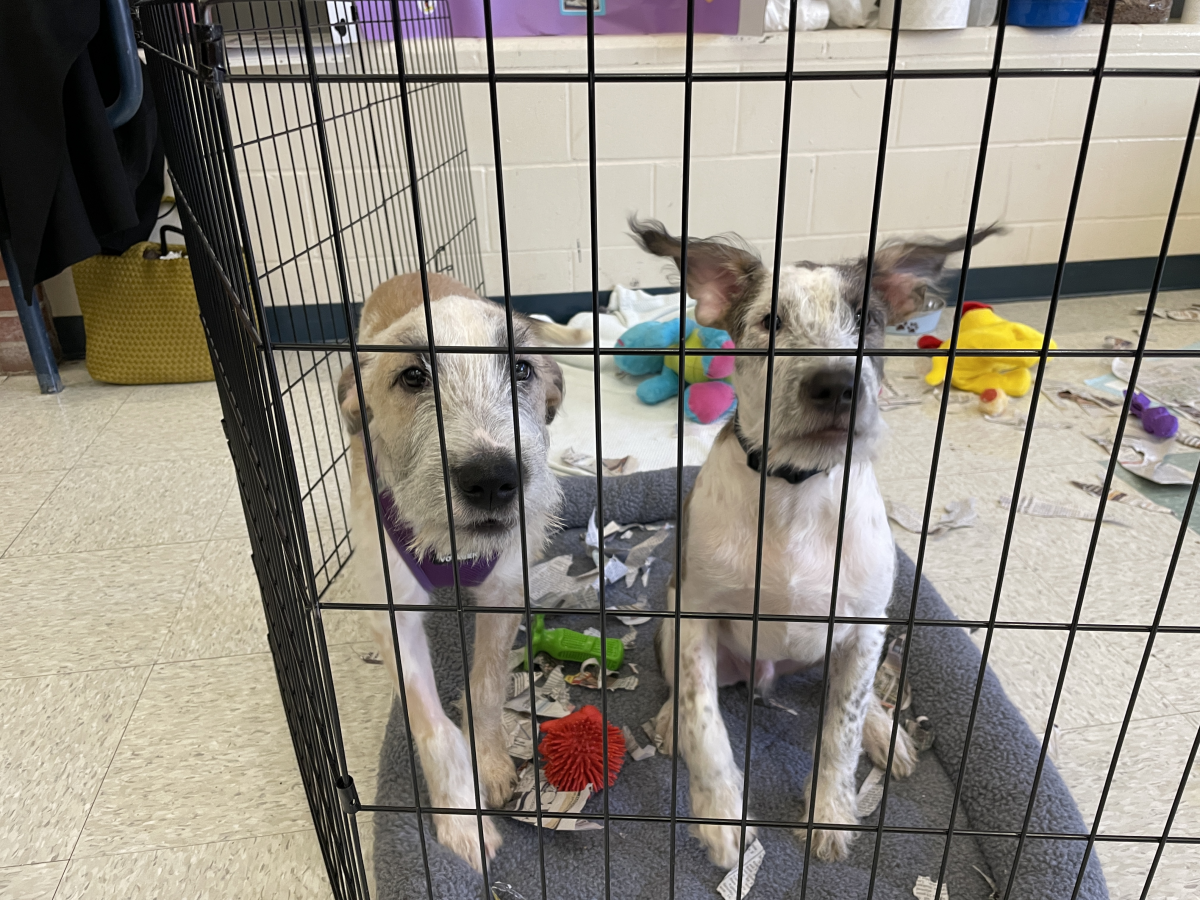
Shout out to Gowdy for keeping me laughing at work!!
Way to donate Kate!
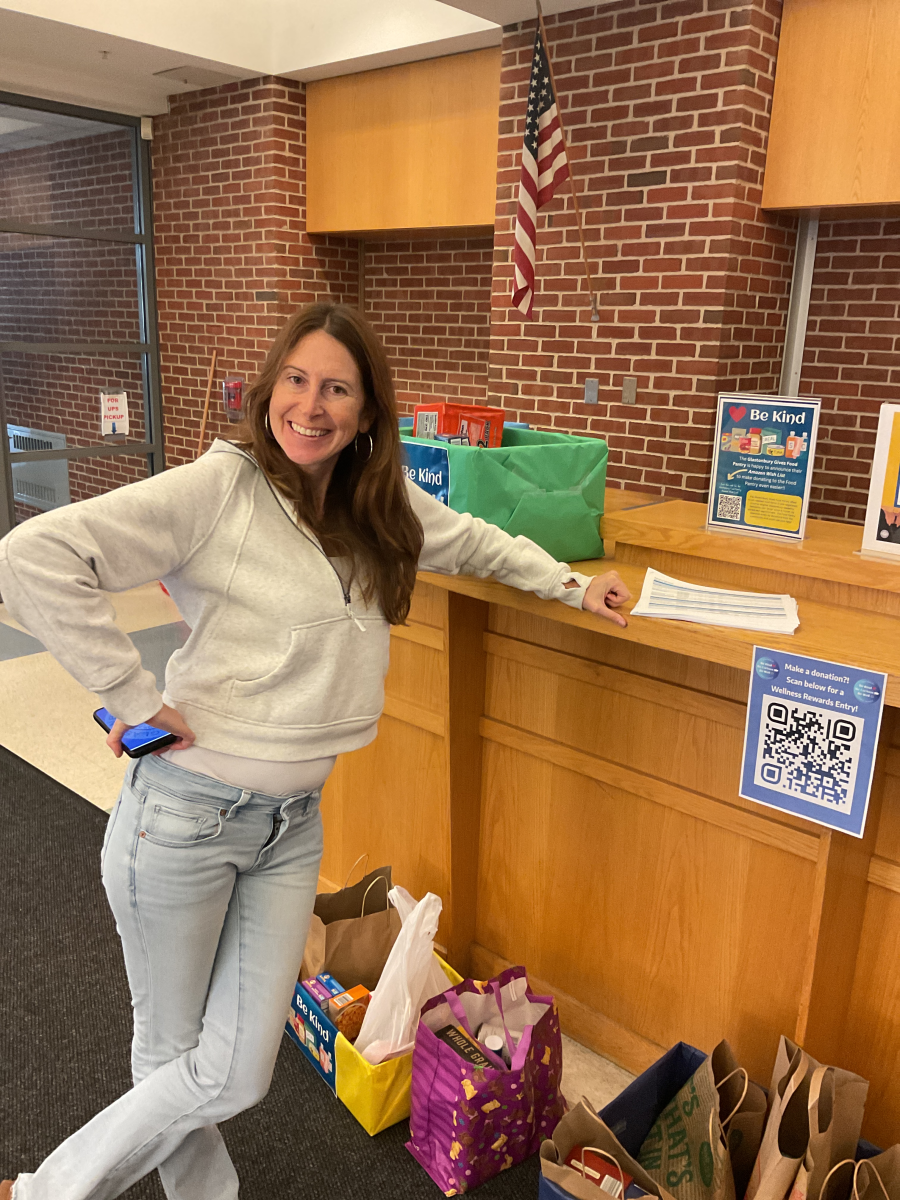
To the Nayaug teachers
Thank you for your flexibility and support in the library, especially when you do a checkout with your class while I am teaching.
Thank you for your flexibility and support in the library, especially when you do a checkout with your class while I am teaching.
Thank you to my colleagues for collaborating on UDL with me!
Shout out to collaborating with my elementary art colleagues! You are the best!
Shoutout to my Hopewell team for their support and partnership!!!
Thank you for all the food, the coffee, and the puppies!!!
Shoutout to Carol Cholewa, who always supports with a smile!
SMS + GHS music!
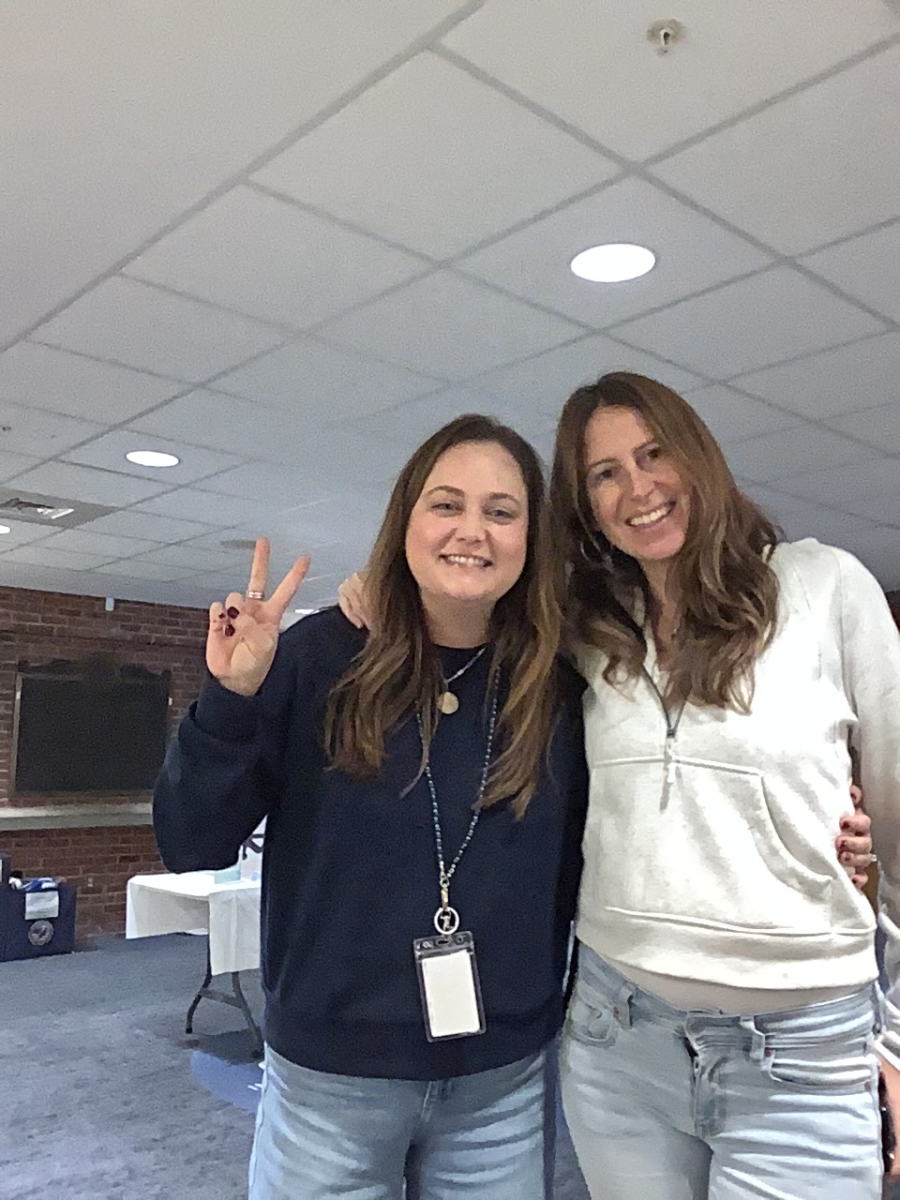
Thank you to all staff responsible for providing and setting up breakfast for everyone today!
Shout out to the LMS elementary teachers for consistently collaborating and sharing materials and ideas.
Carol Cholewa!
Thank you for for always welcoming our questions about Fundations and how we can best meet the needs of our students! You are a wealth of knowledge and we appreciate your willingness to jump in to support our grade level team. We appreciate you!
Julie, Suzie, Ben, Sarah, and Nicole
Thank you for for always welcoming our questions about Fundations and how we can best meet the needs of our students! You are a wealth of knowledge and we appreciate your willingness to jump in to support our grade level team. We appreciate you!
Julie, Suzie, Ben, Sarah, and Nicole
Thank you for the cider donuts and the puppies!
Thank you for flavored coffee and PUPPIES!
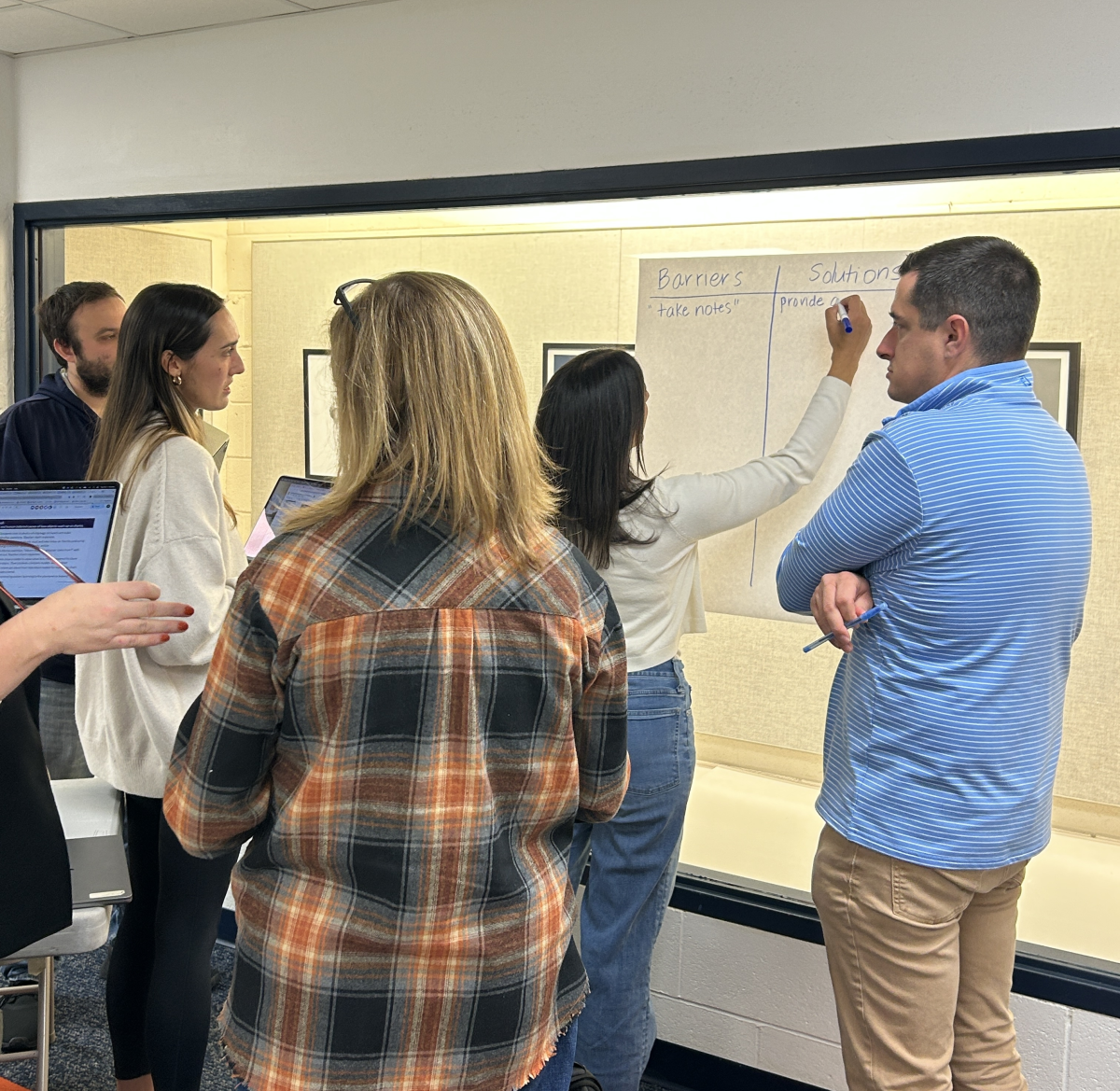
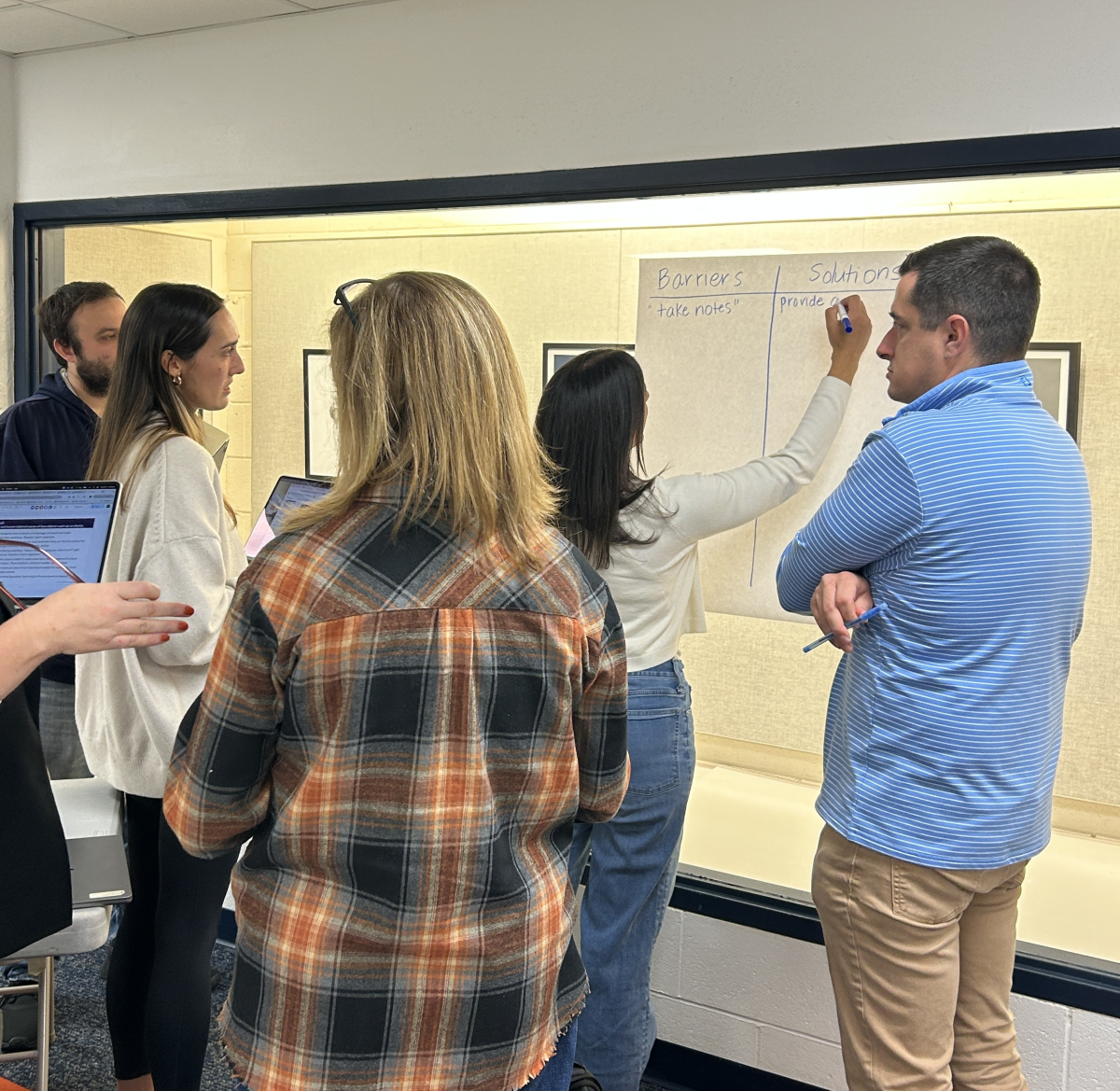
UDL Removing Barriers
Outstanding first session. Annie is a tremendous presenter and learned a lot of useful skills.
Shout out to Danielle Lanz for her bright smile and contagious laugh!!
Huge shout-out to the amazing counseling team for making my transition into a long term substitute role as smooth as possible!!! -Bri Gillette
UDL Removing Barriers
Thank you for all the support to make our day a success!
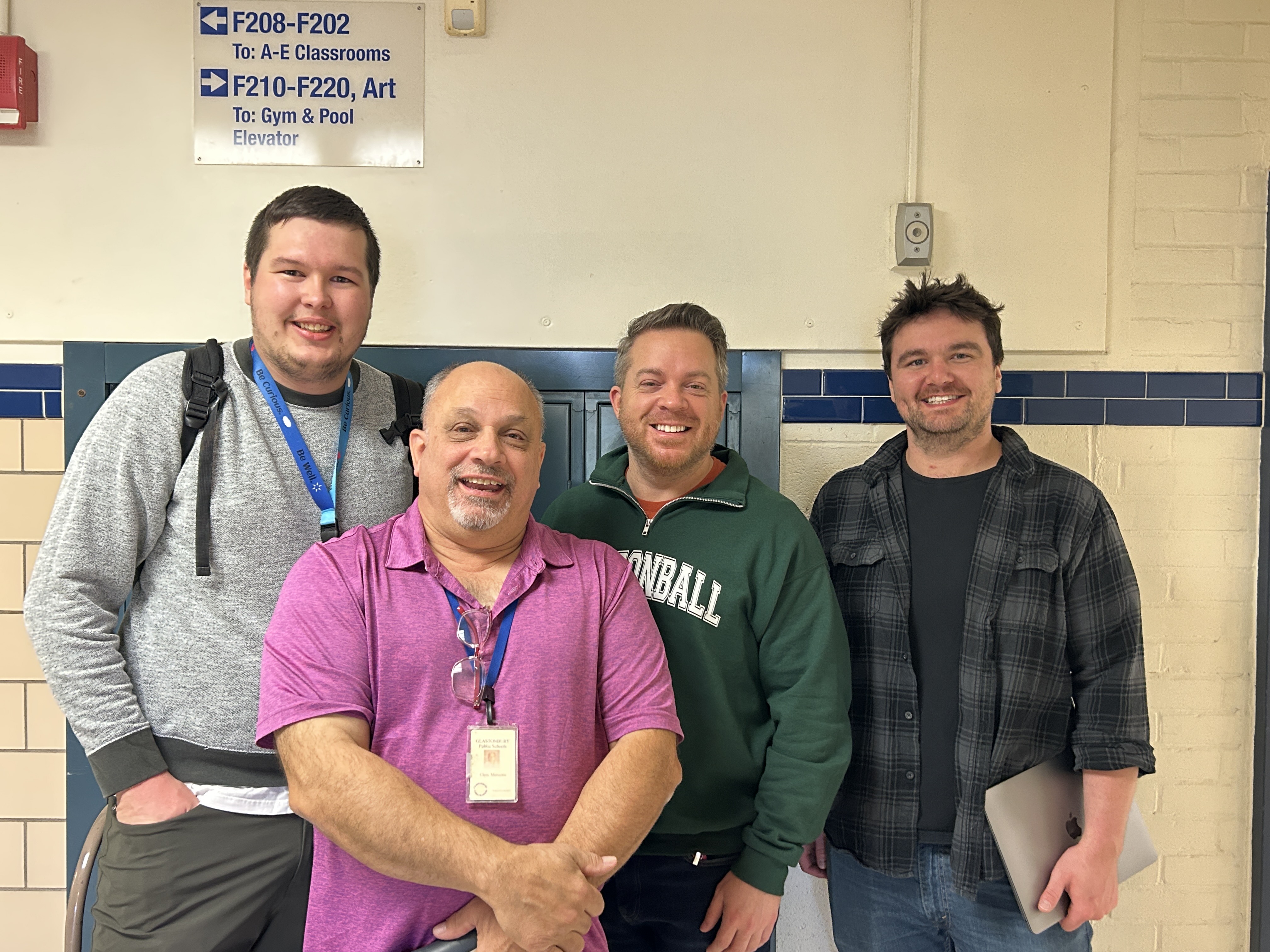
To all my science colleagues- ya'll are absolutely THE BEST! Thanks for all the support over the years!
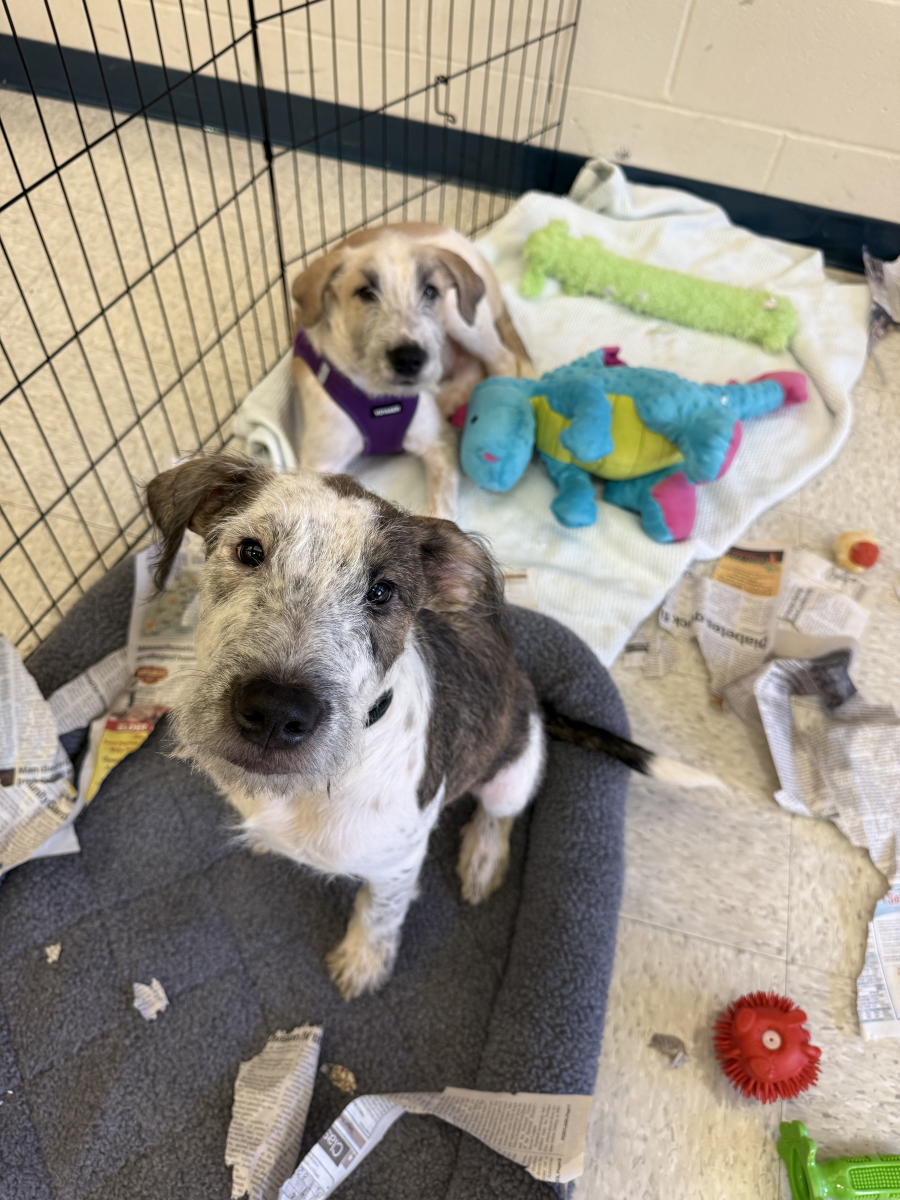
Thank you, Kate and Heather, for bringing our friends to meet!
Thanks Elaine Poblocki for being my go to for anything and everything!- Allison
Forgot to bring items to donate?
Now worries -- look for the QR code to donate straight from the Glastonbury Food Pantry Amazon wishlist!

Now worries -- look for the QR code to donate straight from the Glastonbury Food Pantry Amazon wishlist!
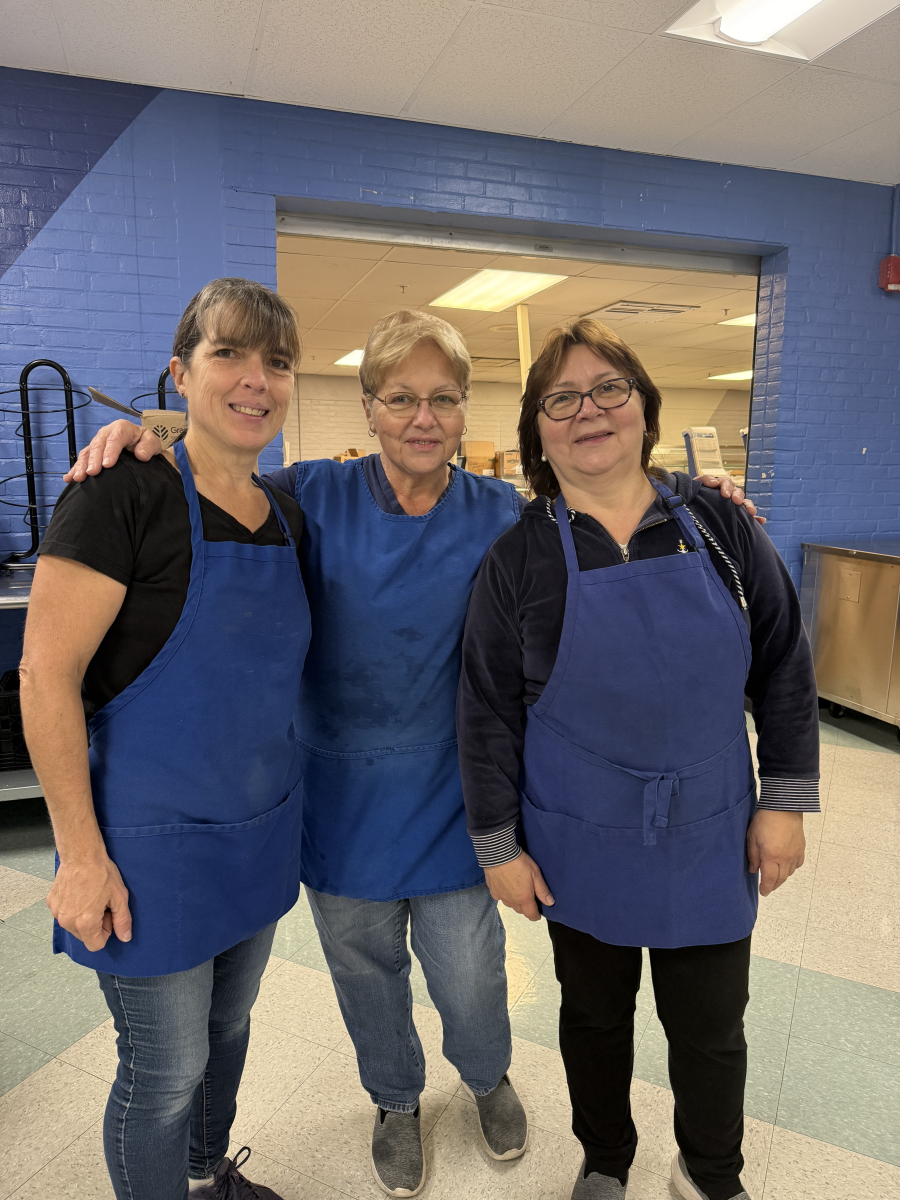
Give it up for this dream team and all they do to make these events as delicious and wonderful as they are! Thank you, Cindy, Barb, and Margaret and the entire Food Services team!
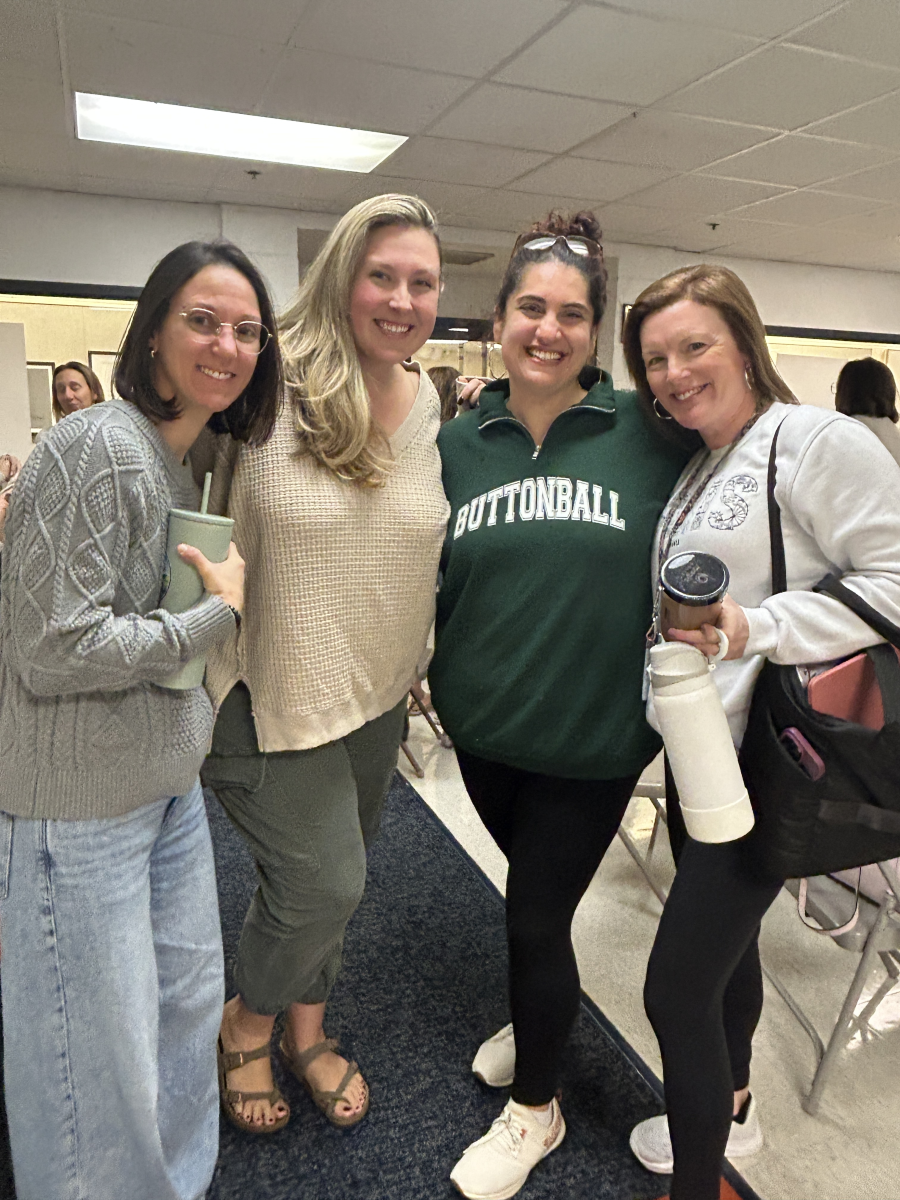
Big thanks to Lisa Blancato and Amanda Wishart for being my daily therapists — because my actual insurance deductible says “good luck with that.” - Janeleen 🙂
Amber Moriarty is THE best! Thank you for all your hard work to guarantee our PL Conference site is nothing short of exceptional!
Go GPS!

A HUGE 'Thank You' to Mr. Yonoski and staff for bringing the YOU UPLIFT Kindness Wall to Glastonbury Public Schools!


