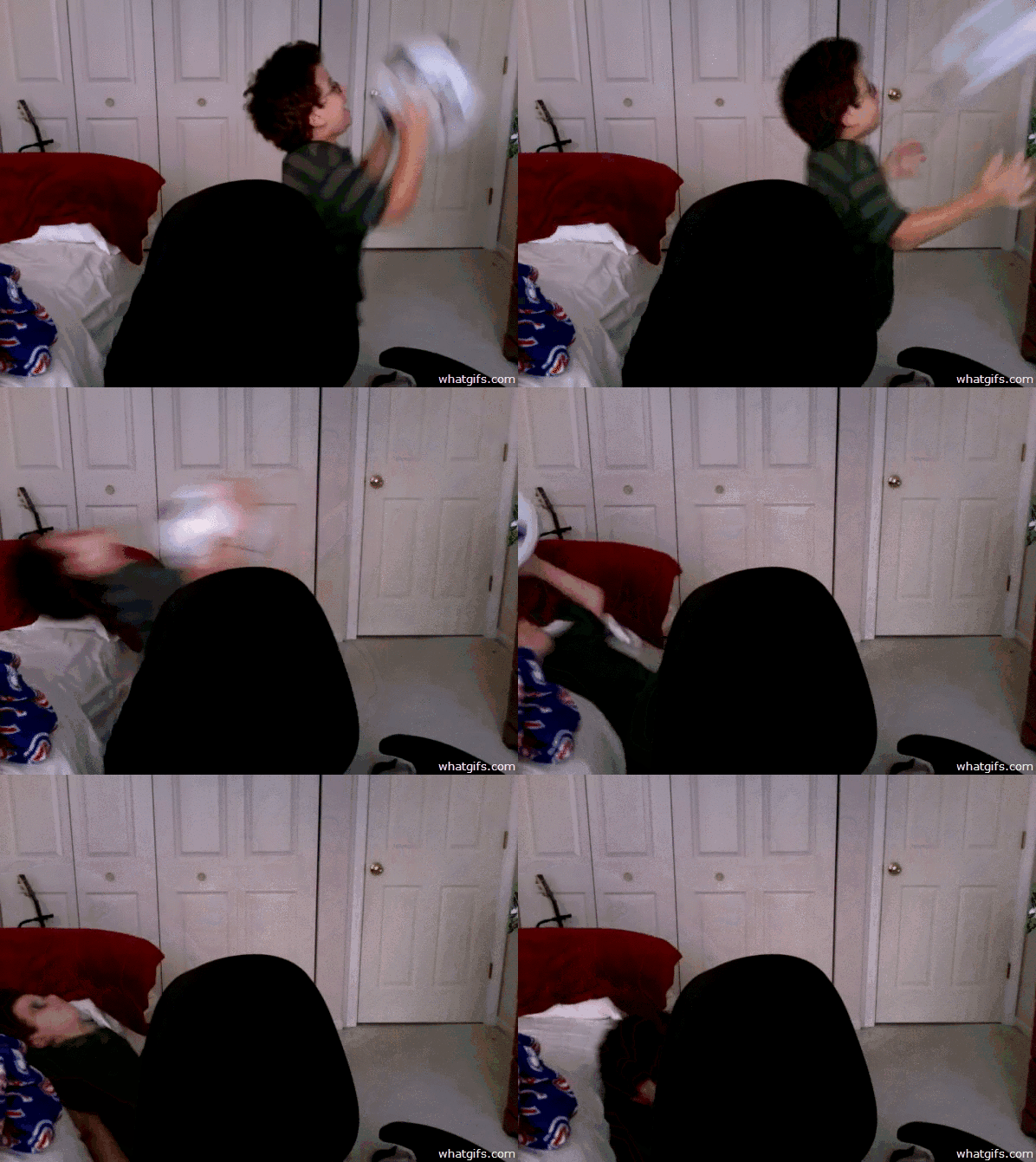
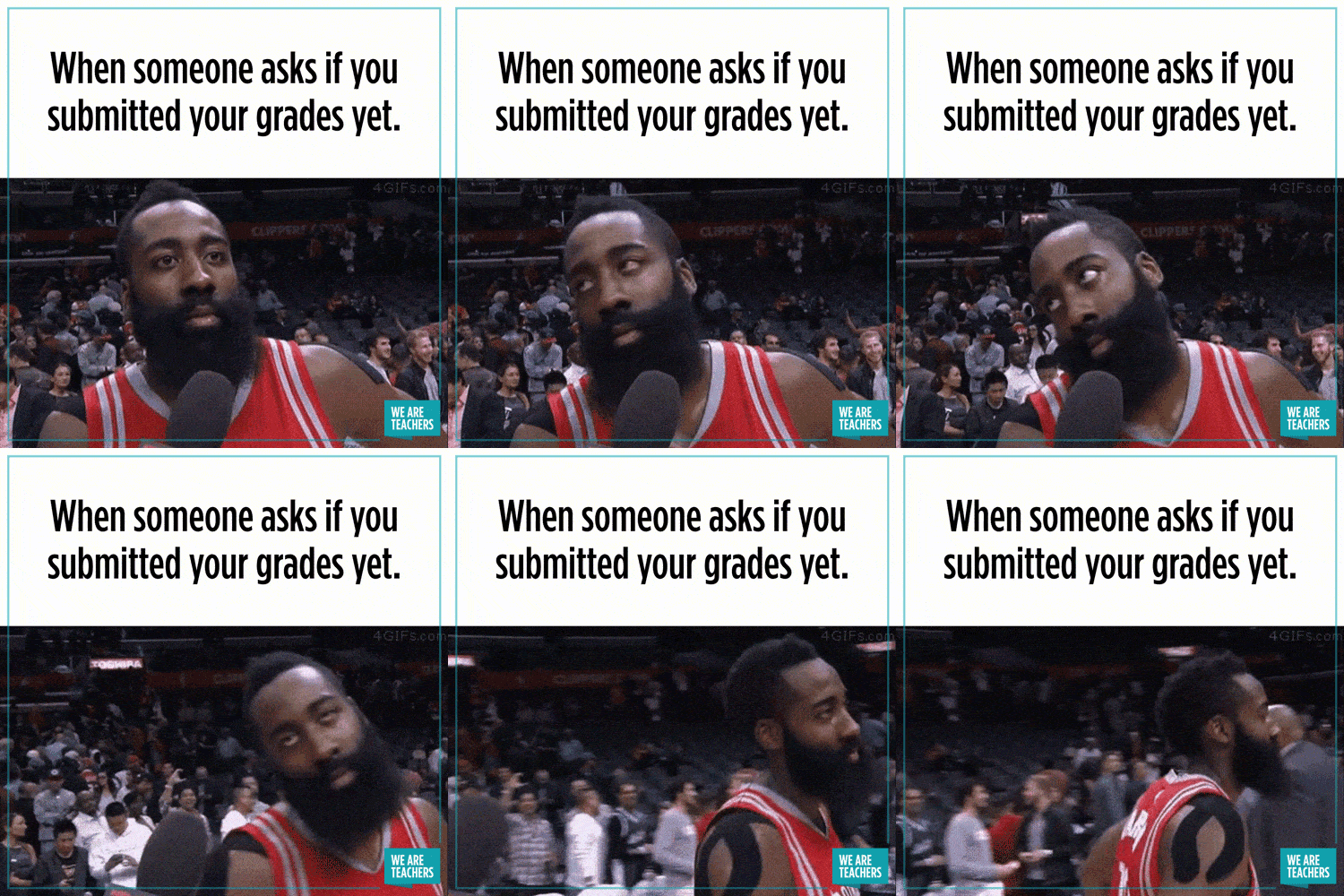
When your bro slips and makes it look dramatic for no reason🤣
How it feels when you go back to school:
POV: Me at 1 AM
POV: You and your BFF

How I feel after getting my friends out of trouble:

POV: every Monday

POV: YOUR BFF SAYS CHOCOLATE!!!!!!!!!!!!!!!!!!!

POV: WHEN I HAVE NHD AND HAVE TO LEAVE MY FRIEND IN CLASS
Me when I take a nap at 3:00 PM and wake up at 3:00 AM:

POV: your classmate's asleep
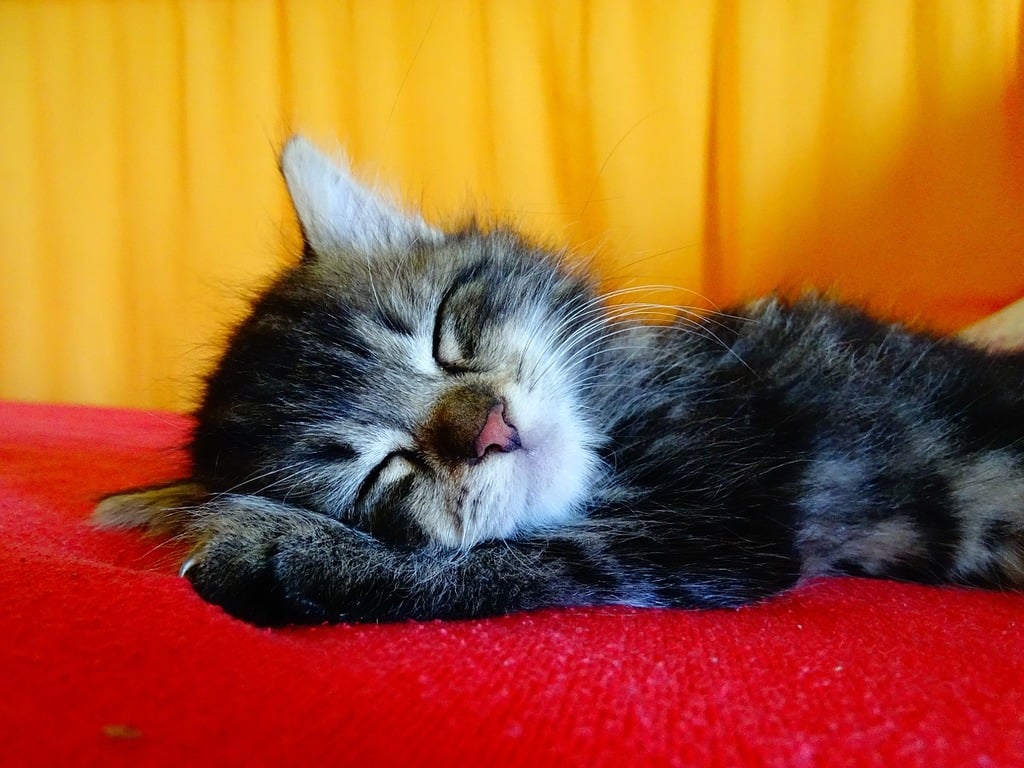
MASSIVE KINDNESS WALL REVIVAL NEXT MONDAY (4/21)!!!!!!

Me when I see any character remotely similar to me:
(suddenly we're the exact same person)
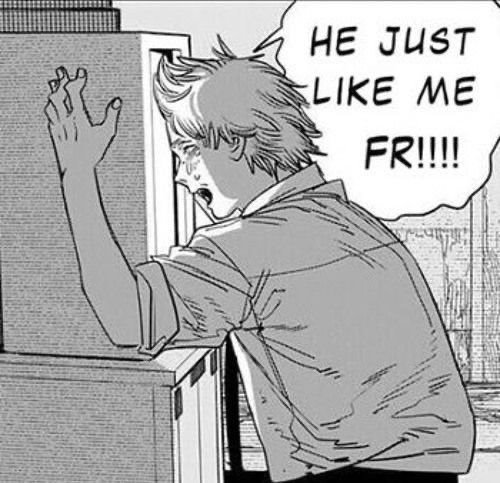
Me on the last day in the skew house:

How I look in the office after getting called down for something I DID do:
POV: Me when I have an orthodontist appointment, but my mom takes me to school after.

Me when it snows slightly:
How I look at my friend when they try to goof off after I've locked in

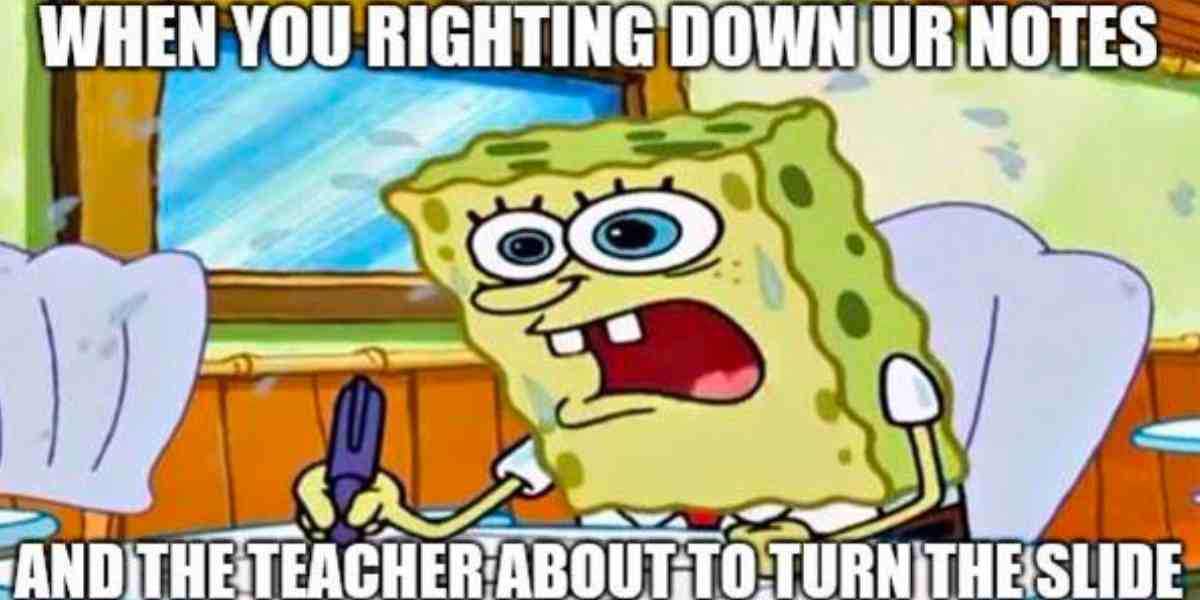
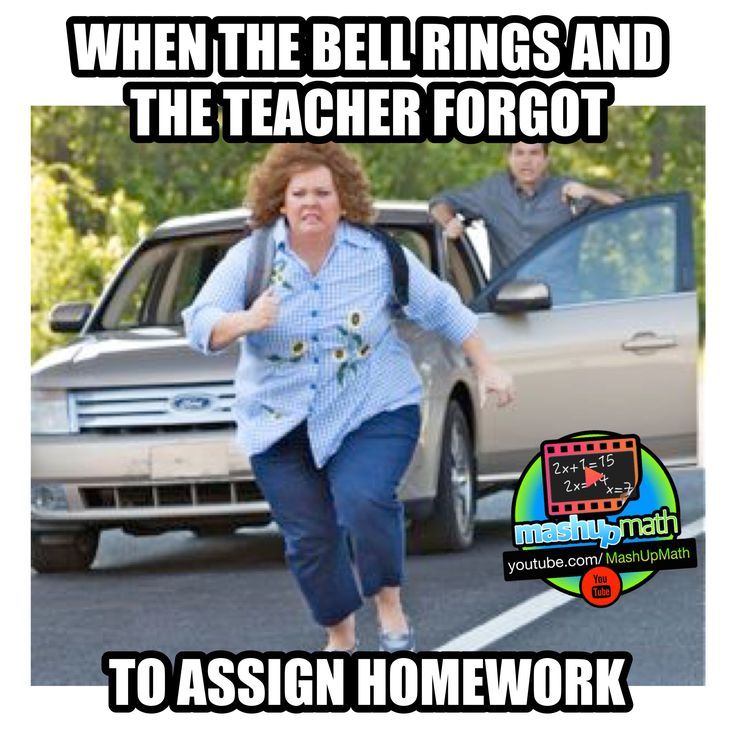
Me when I get homework
POV: my brain during Amplify
How The Boys pull up to Mr. Brock's class
Me when I have to do work (I'm Annabelle)
Me in gym:
My daydreams:
Me when it's recess:

When the teacher calls on me during class:
When you try to find the answer in Mr. Brock's class:
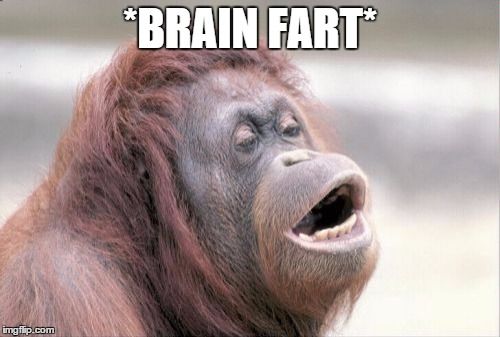
When Mr. Brock says time to leave:
Me showing up to school:
What I think about in class:
The class after Mr. Brock says to open the Chromebooks and get on Amplify:

Me waking up on a Monday:
Me looking up at my tall friend 😔
Me after realizing the math test is double-sided:
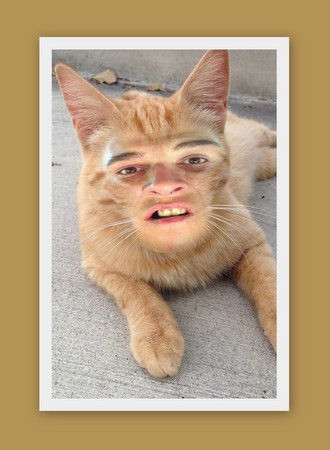
Me trying not to laugh in class:

Me to homework:
Me and bro during gym:
Me going to school:
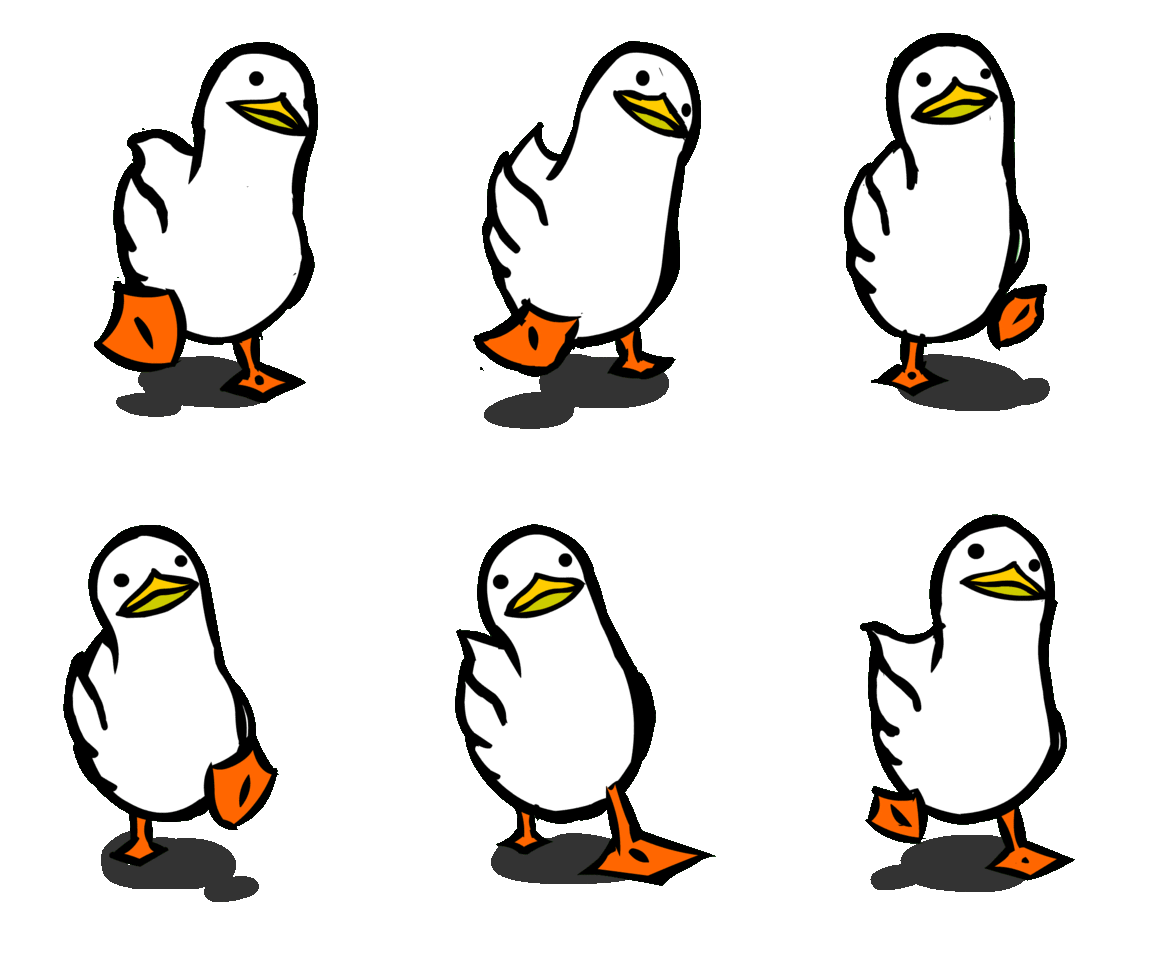
When it's the Friday before fall break:

When the teacher asks you a question and you weren't listening:
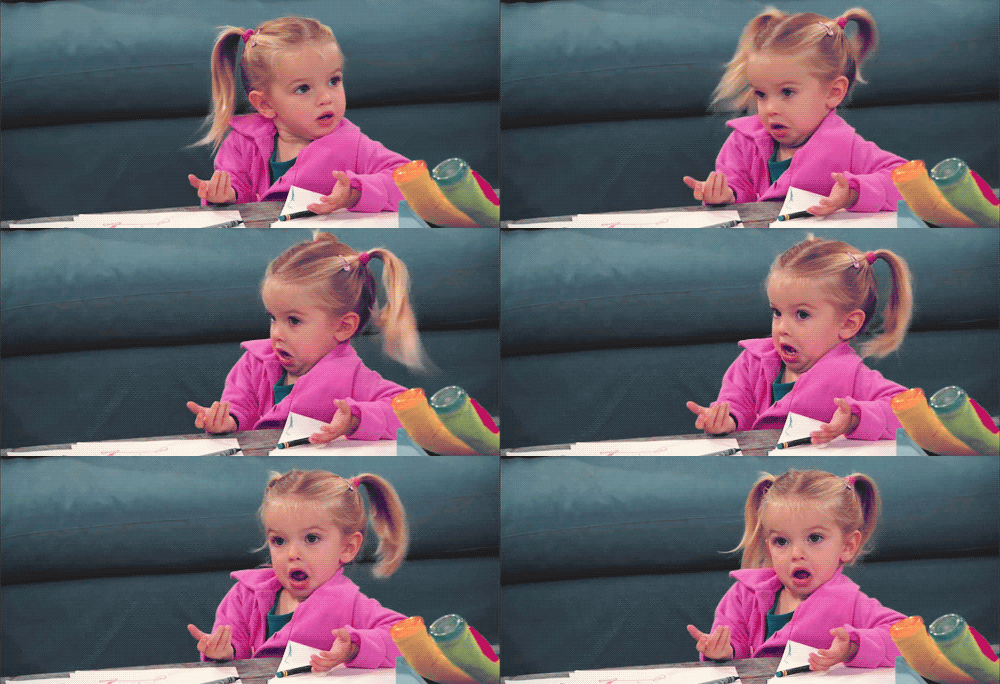
POV: Me pretending to laugh at my friend's joke that I've heard a million times

Me after the total is $10.99 and I say, "You can keep the change," to the cashier (I handed them $11).
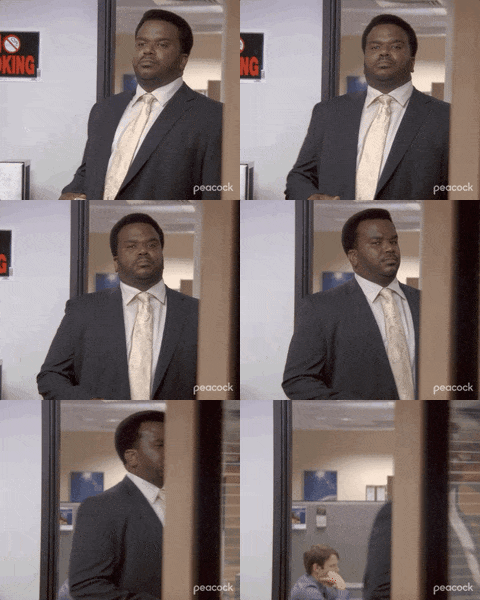
POV: When Mr. Brock says, "No Quick Write today."
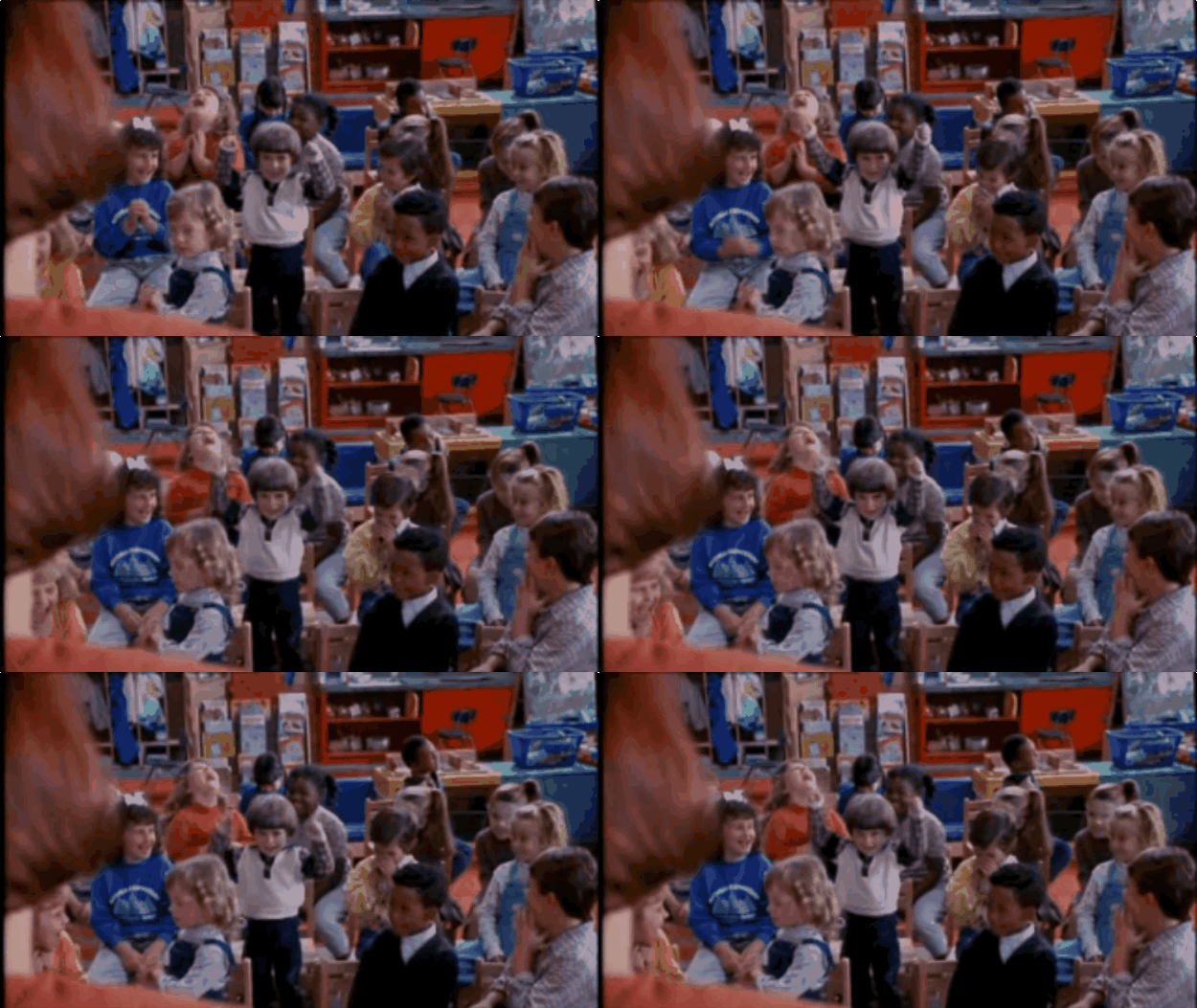
Me learning that you're beautiful (I already knew when I first saw you):
Me on the first day of school:
When Mr. Brock tells us we have to do Amplify:
When you're very proud of your handy work:
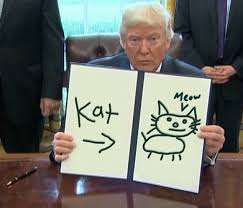
Nobody:
That one kid who loves America:
Kindness is like a handshake—awkward at first, but it’s better than ignoring each other.

When my friend says, "Did you do the homework last night?"(I'm going to copy off Bryson):

When school starts back:
Me going to recess:

Mr. Brock after winning a game in Fortnite:

Me and that one trio:
Me when the homies get sent to the office (it was probably my fault):
When you play the first 3 periods in basketball and don't get a break🍶

When Mr. Calloway tells us that we got a test today.

Guess who is pretty?
When Mr. Brock says, "It's time for a Quick Write."

When Dylan says, "Run down and back!"
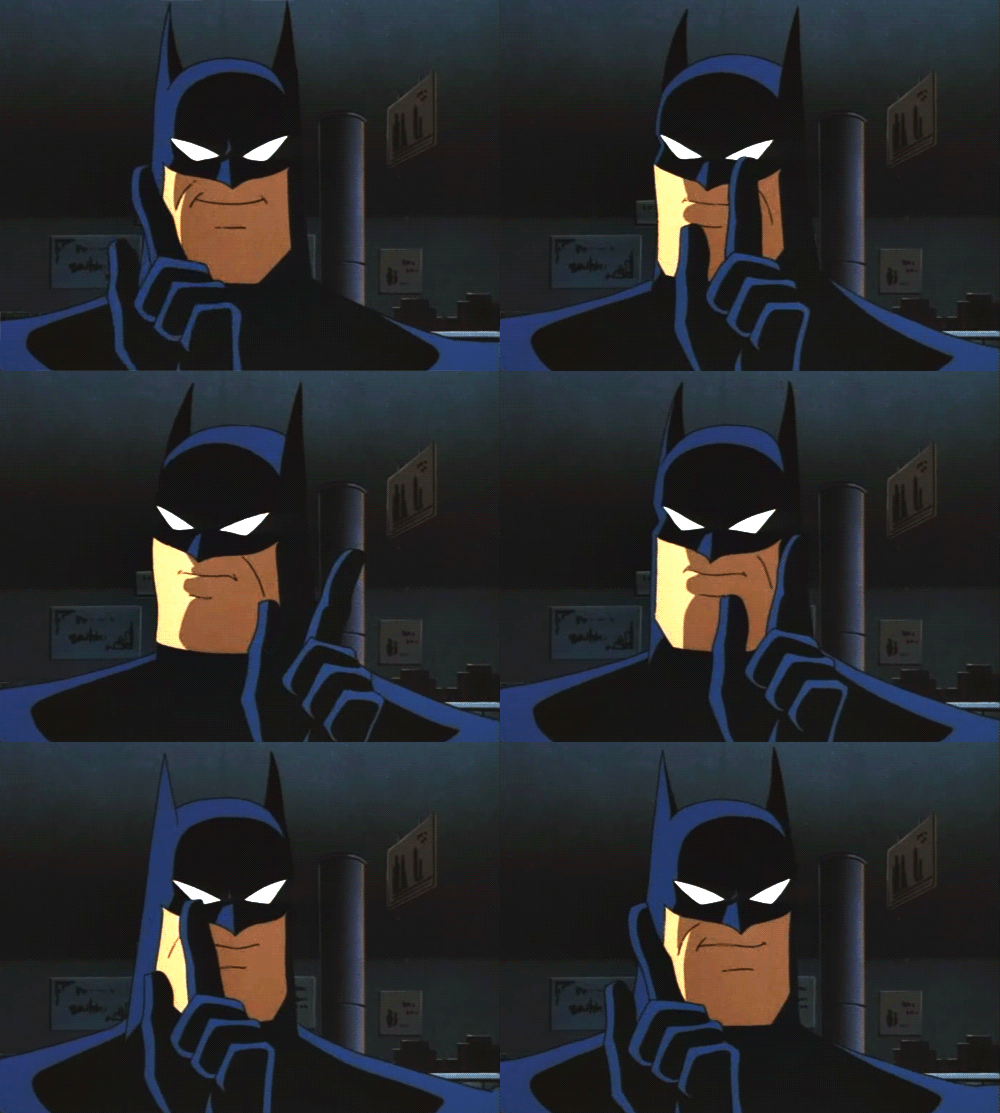
Me when I say Mr. Brock's name:
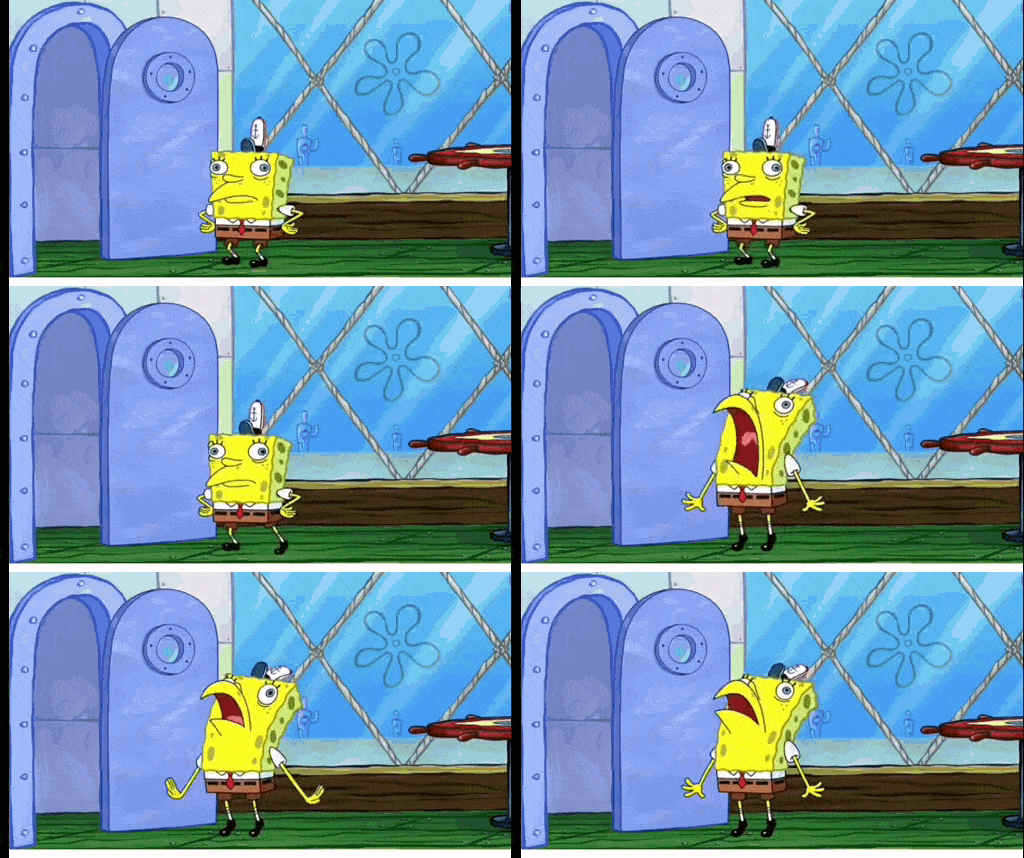
When Mr. Brock says, " Am I gonna have to call Mr. Blevins?"
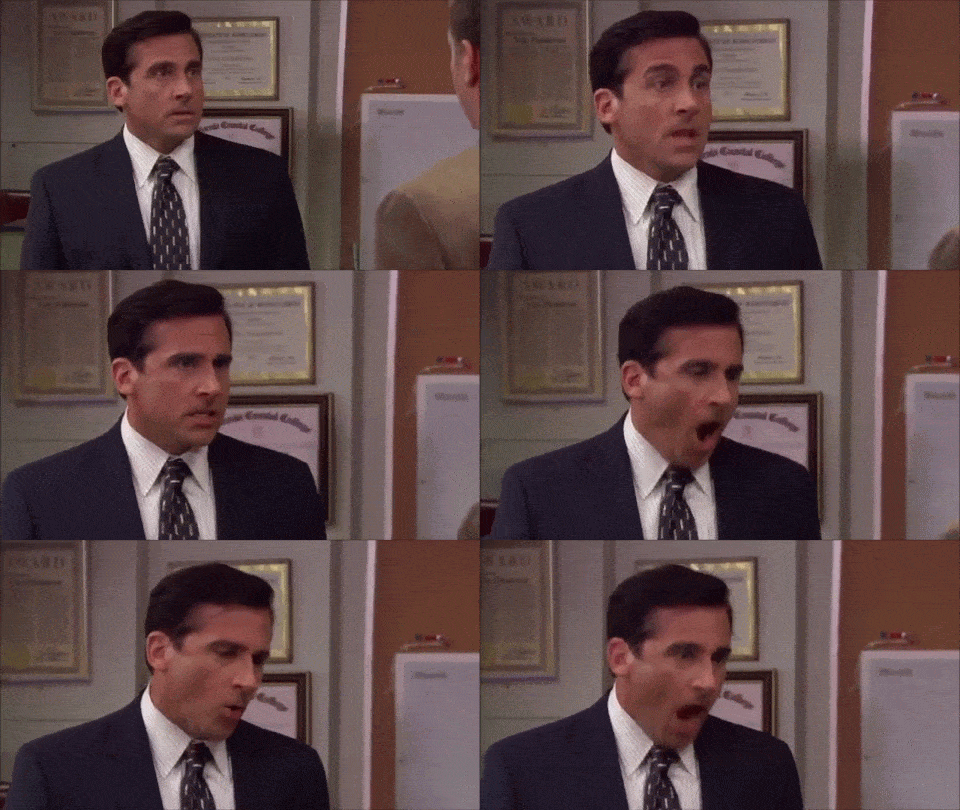
Me coming to annoy Mr. Brock:

Me when my teammate loses the ball:
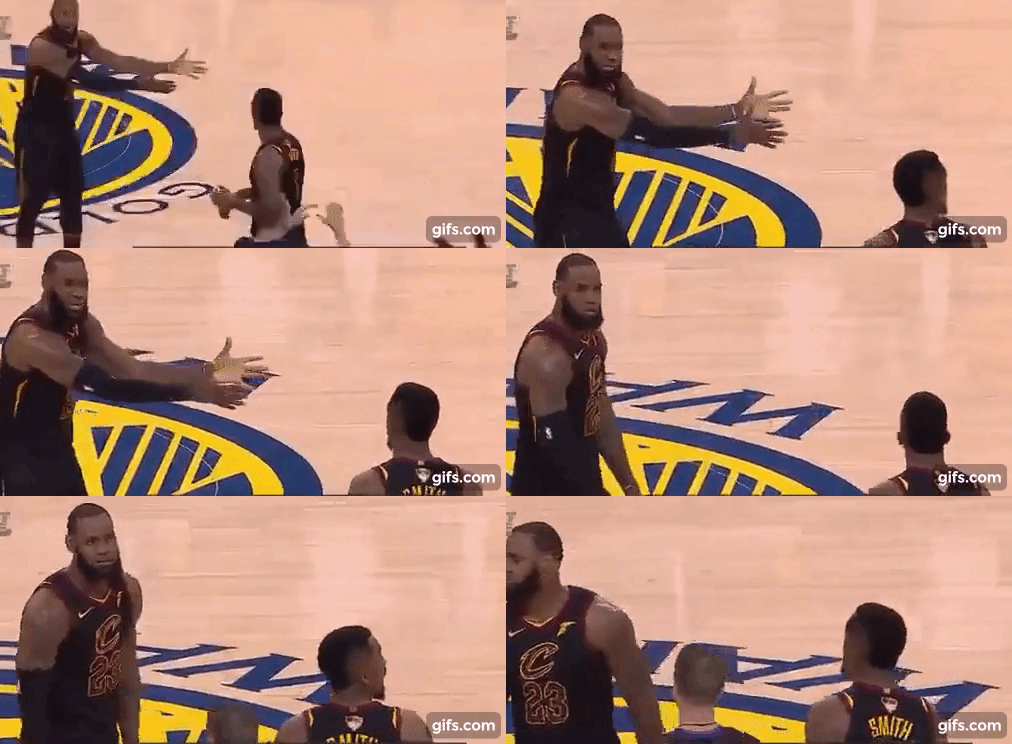
Mr. Brock when he says he can dance:
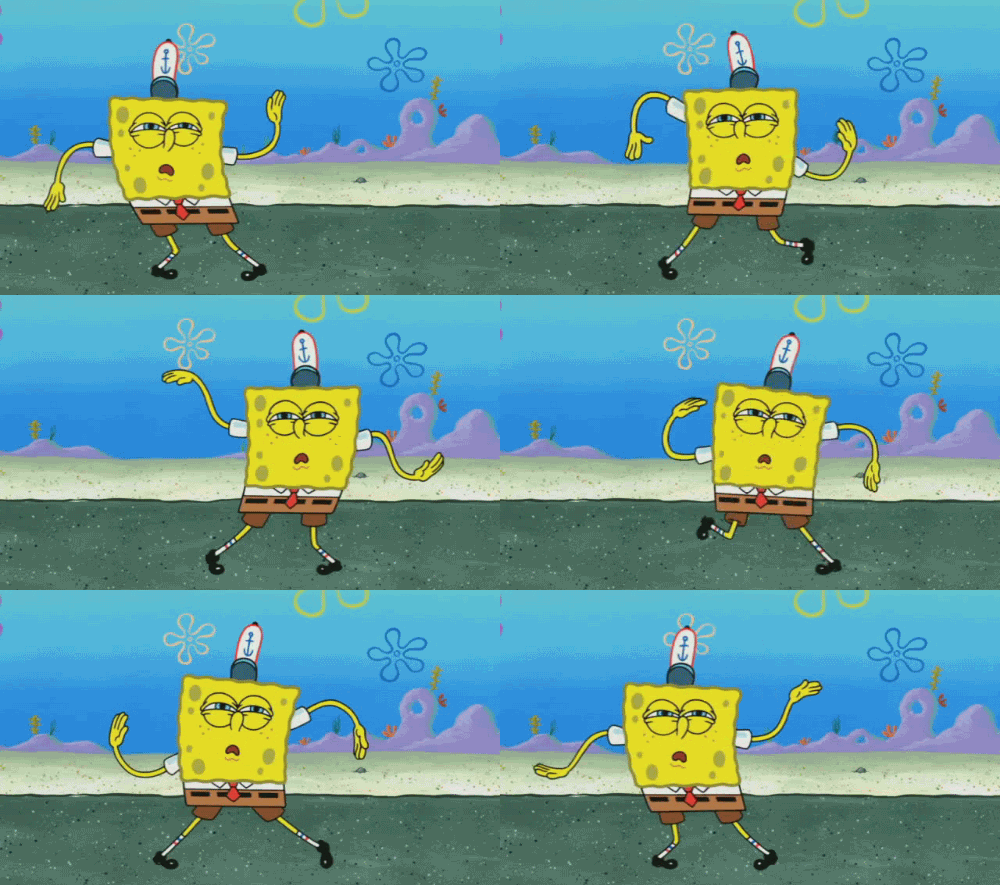
Me [Dylan] when I get an answer right:

Me when my friend says something funny:

When it's Friday!

When someone interrupts me in the middle of my reading!😠

When my friend said she was from Ohio🤣
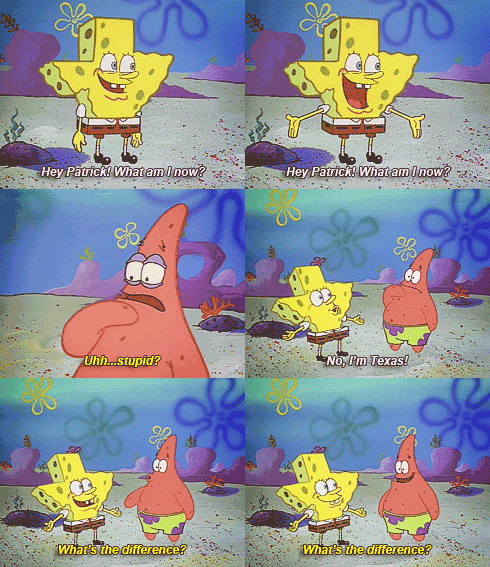
Me in class not paying attention:
When Mr. Brock says, "Get on Amplify today!"🫠

When Mr. Brock says you got 1 minute left 😂
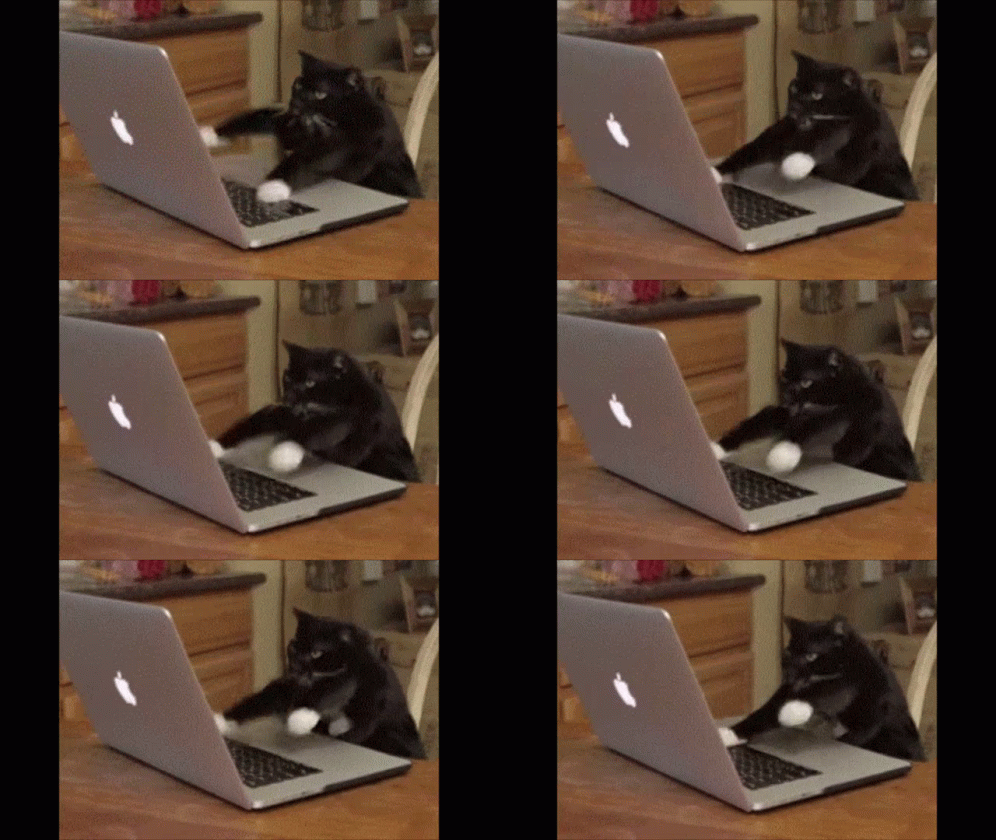
My friends trying to make me do something:
Me when we have homework:
When Mr. Brock says something SpongeBob related:
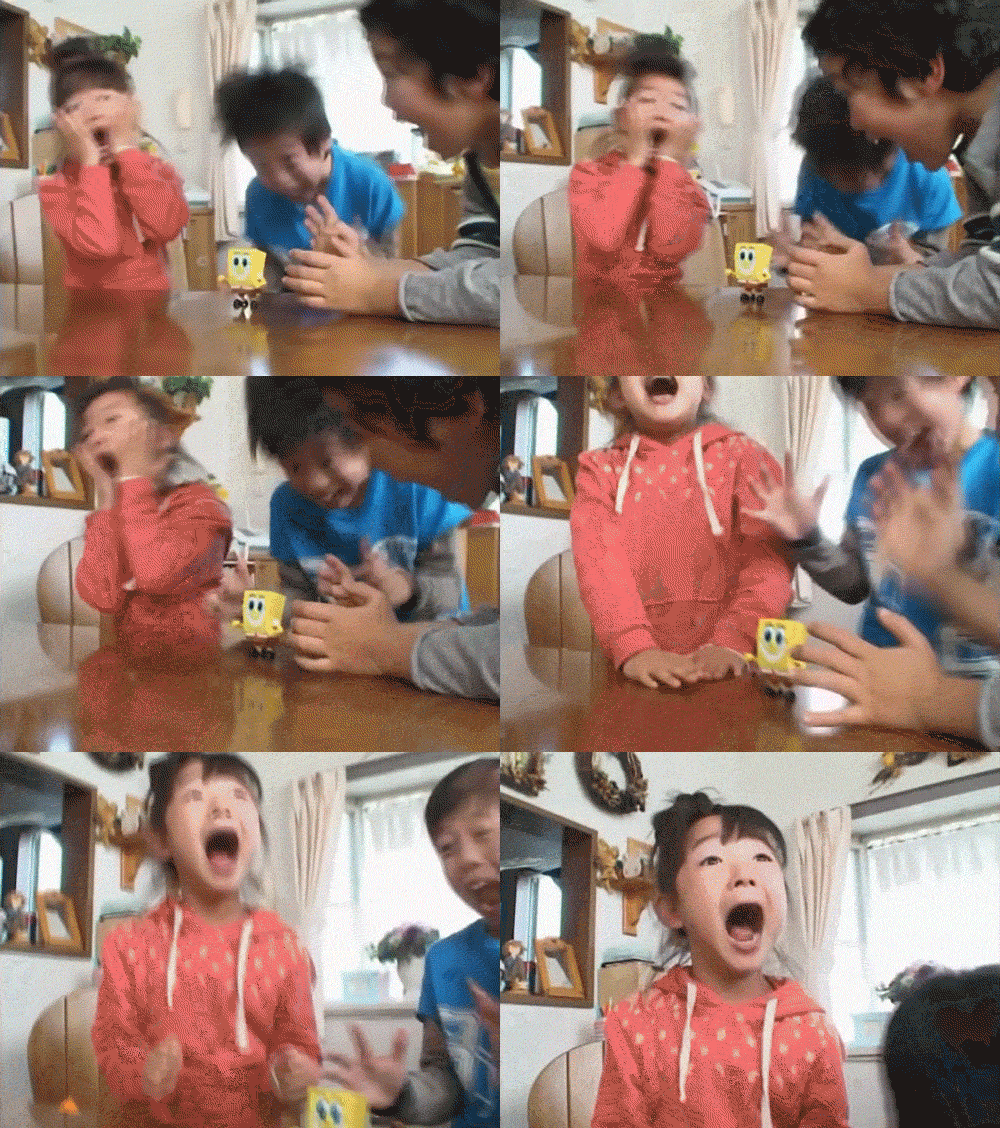
Me inhaling all the food on bro's tray:

Me and my brother fighting for the last pizza!
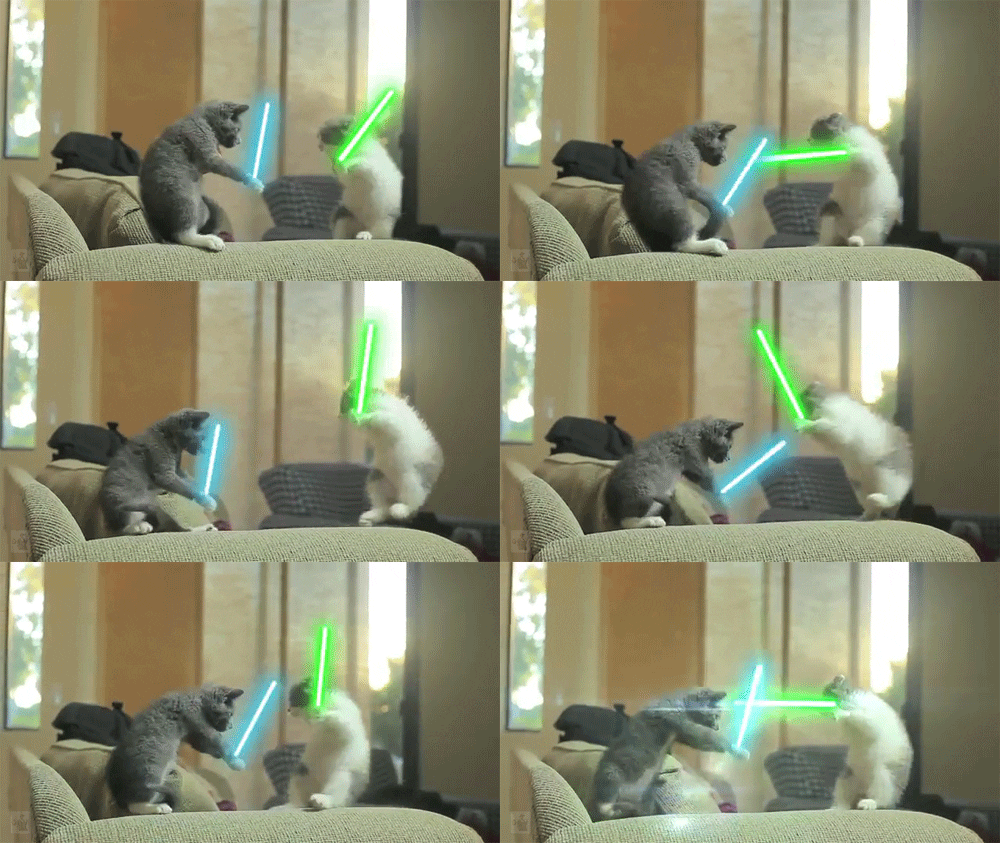
Me in the back of the class snacking:
Me looking at my friend on the other side of the classroom who is making a funny face:

Me raging at a game (I have school tomorrow):

If you would like to renew your YouUplift Kindness eWall subscription, then please click on one of the following:

If you feel you are receiving this message in error, then please contact us at:
doug@YouUplift.com
276-733-9204
Yes! There are no Sign-Ups and no Log-Ins required in order to participate, as we collect no data or information of any kind. The platform is currently being used by large and small school systems throughout the country in almost all 50 states, and it has passed 100% of all school privacy regulations to date.
Yes! You can have all messages sent to as many faculty email inboxes as you’d like for Approval, and we can change or add to this list at any time.
Yes! Many of our schools do this, because if your students take to it – then the messages can begin to overflow your school email inbox at times. Not only will a separate gmail account prevent this from happening, but you can also make it accessible to all faculty members if you choose to.
You can choose one of three ways to display your messages onto a facility TV monitor.
  1. HDMI CORD – Some schools will access their Kindness eWall on a laptop and run an HDMI cord to their TV monitor.
  2. CAST – Some schools will access their Kindness eWall via a tablet or device and will cast it to their TV monitor via a Chromecast or Apple TV device.
  3. SMART TV WITH INTERNET BROWSER – If your Smart TV has an Internet Browser (Samsungs), then you can place your Kindness eWall link in the browser and it will run from there.
Yes! You can edit the text of any message before Approving it. In addition, if you’d like to keep a message but would like to remove an included image… or if you’d like to keep an image and remove the text, then you can do this before Approving the message. Your Rotating Display will only display exactly what you choose to make visible.
You will have a back office ADMIN PANEL that will allow you to delete, edit, and approve messages (individually or in bulk).
You will have a back office ADMIN PANEL that will allow you to customize your colors, logo, title, and font size.
Upon your request, we can replace your current Anonymous Submission Form with a Form from your school’s email system (ex. Google Form). This makes messages come to you with the author’s email address included, and you simply COPY/PASTE the message onto your INSTANT POST Page in order to make it live.

(Note: Because messages are submitted through your school’s email system, the Character eWall collects no data or information – making it fall within all school privacy regulations.)
We can provide your Tech Team with a simple line of code that will allow them to embed your Rotating Display of Approved Messages onto your school website, so that they are visibly scrolling whenever anyone comes to your site.
The system is set to display the 100 most recently Approved messages, as older messages start falling out of the rotation in order to make room for the newer messages. However, we can increase or decrease this number to be whatever you’d like it to be.
Your subscription includes an unlimited number of messages and an unlimited number of displays for everyone in your school for the entire length of your subscription.
Yes and No. Your Character Wall is a web app, but it is not located in an App store. However, this link shows you how you can easily turn your Kindness Wall into an app for any android or apple device: Phone Web App Instructions
Phone App Install Feature
Currently, YouUplift does not have an app located in the App Store. However, the following link provides simple instructions on how to easily turn your Kindness eWall into a homepage app for any mobile device: Phone App Install Instructions
(Great tech assignment for students!)
Website Embed Feature
This feature provides your Tech Team with a simple line of code that would allow you to embed your Rotating Display of Positive Messages into your school website, so that visitors can instantly see your messages.
Social Media Share Feature
This feature places Social Media Share Buttons on your entire Kindness e-Wall webpage or just on your Rotating Display only – whichever you prefer.

Yes! There are no Sign-Ups and no Log-Ins required in order to participate, as we collect no data or information of any kind. The platform is currently being used by large and small school systems throughout the country in almost all 50 states, and it has passed 100% of all school privacy regulations to date.

Yes! You can have all messages sent to as many faculty email inboxes as you’d like for Approval, and we can change or add to this list at any time.

Yes! Many of our schools do this, because if your students take to it – then the messages can begin to overflow your school email inbox at times. Not only will a separate gmail account prevent this from happening, but you can also make it accessible to all faculty members if you choose to.

You can choose one of three ways to display your messages onto a facility TV monitor.
  1. HDMI CORD – Some schools will access their Kindness eWall on a laptop and run an HDMI cord to their TV monitor.
  2. CAST – Some schools will access their Kindness eWall via a tablet or device and will cast it to their TV monitor via a Chromecast or Apple TV device.
  3. SMART TV WITH INTERNET BROWSER – If your Smart TV has an Internet Browser, then you can place your Kindness eWall link in the browser and it will run from there.

Yes! You can edit the text of any message before Approving it. In addition, if you’d like to keep a message but would like to remove an included image… or if you’d like to keep an image and remove the text, then you can do this before Approving the message. Your Rotating Display will only display exactly what you choose to make visible.

You will have a back office ADMIN PANEL that will allow you to delete, edit, and approve messages (individually or in bulk).

You will have a back office ADMIN PANEL that will allow you to customize your colors, logo, title, and font size.

In it’s default setting, your school’s Kindness eWall uses an Anonymous Submission Form in order to comply with all school privacy regulations. Therefore, though you will be able to APPROVE all submitted content before it becomes visible, you will not know who the author of the message is.


HOWEVER, upon your request, we can include a SUBMISSION FORM LOGIN which would require users to enter their email / password in order to submit a message. This would allow you to APPROVE all submitted content before it becomes visible and will also provide you with the email address of each message’s author (whether you Approve it or not).

We can provide your Tech Team with a simple line of code that will allow them to embed your Rotating Display of Approved Messages onto your school website, so that they are visibly scrolling whenever anyone comes to your site.

The system is set to display the 100 most recently Approved messages, as older messages start falling out of the rotation in order to make room for the newer messages. However, we can increase or decrease this number to be whatever you’d like it to be.

Your subscription includes an unlimited number of messages and an unlimited number of displays for everyone in your school for the entire length of your subscription.

Yes and No. Your Kindness Wall is a web app, but it is not located in an App store. However, this link shows you how you can easily turn your Kindness Wall into an app for any android or apple device: Phone Web App Instructions