Thank you to Andy and Jorge for being there for me even when they don't feel like it and Anwar for all making sure I have someone to talk to.
Shout out to Ms Ellis for being a great teacher
Shout out to everyone in the building for making it this far into the school year. You should be proud of yourself. Love yourself #Relatable
shout out to glen cuz he good
Shout out to my favorite person keiko!!
thank you miss applegett you always make me happy and when I am sad you are always there for me when I am sad you always make me happy.
shout out to jayren, Izzy, daleysa, Andrea, and my teacher, Mrs crownover, we miss you!!!.
THANK YOU TO MRS APPLEGETT YOUR THE BEST TEACHER EVER AND I LOVE U SO MUCHH
I'm ready for school

HAPPY BEARS DAYYYYYYYYYYYYYYYYYYY
Shout out to Mrs. Randal for always being a great teacher I really appreciate you.
SHOUT OUT to Mr. Moats for being SUCH a good teacher and for being so kind thank you for your work and for teaching us

thank u Ms, Ellis for helping me even when I'm down, ur the bestttt
I love 3rd grade Mrs dao
Shout out to all of my friends for being there for me and being good friends.
shout out to Mr randel for bringing the cookie chart to our room from laila
Thank you to 3rd grade for doing great on their spelling test!
Shout out to Baysiti, Paris, Alexis, and Ava for being kind and for being my friends.
Shout out to Katonna for being such a great friend ever since the first day of class!
happy halloween to everyone
shout out to all my friends!
Happy Halloween to everyone !!!
shout out to 8TH grade class 2025
shout out to all staff (:
Thank you Everyone
HUGE thank you to Lyla Lattimore, Lauren Evans, and Kelly Ocampo for helping some younger students budget when the book fair was swamped yesterday!
Shout out to the sub for being a chill sub.
thank you Sirat for being a great friend
thank you davante Johnson for being a good friend
shout out to anwar for being a good friend
shout out to Ms ellis.
Shout out to Ms.Ellis for being the best teachers
Shout-out to Joseph for being a good friend and helping me do my math work. such a good friend.
shout out to anwar for being a good friend
shout out to Lyla Lucio for being a kind and caring person and always making me laugh
Shout out to Glen Medina for being such a kind friend, like that one time he gave me a pencil on the first day of school.
Shout out to Devonte Walton for being one of the most kindest, sweetest guys I know.

shout out to the Volleyball team for getting better and stronger at their skills.
Thank you, Mrs. King! thank you for being so welcoming to all the students you've ever had. You are an amazing example of what kids so strive to be.
mrs, ellis is a nice teacher and a big help for others.
This shout out goes to Mr. Bogle for being focused on helping students at most especially when students are misbehaving!
ms Randall is nice
Great job to the volleyball girls for winning their first home game. 🙂
Shout out to Darolyn for trying her best, ILY BESTIE!
Shoutout to the volleyball team for working hard and learning new things in volleyball!
Shout out to ms ellis for being a good teacher.
I wanna give out a shout out to the open house! It went so well and amazing everyone listened so well!
I love how kind and respecful zubeda is
Shout out to everyone for working hard, even if your work was tough. Just keep trying to reach for your goals!

Thanks Ms. Craft for being so awesome!
Thank you Mrs.Crownover for checking on me everyday.
thanks Ms pits for guiding us through the star test
shout out to batarong

Shout out to Hayden for being my sticker buddy- it means the world to me when we check in with each other and support each other throughout the day!
Thank Ms Ellis for finding ways to brighten up her students day
shout out to Mrs.ellis for being kind and caring
miss ellis for being patient with us and being there for us and helping us with our work when we dont get it
Genesis is a kind and loving person who has nothing but love for others in her heart. I'm lucky to be able to have friend like that, it's truly a hidden gem you get once in a while.
My message goes out to Glen for being so kind.
I want to say thank you Keiko For being an opened friend and for being one.
Thank you to Mrs Ellis for being a good teacher.
thank you ms,eills for helping me through my hard moments.
Shout out to Lyla Lattimore for always being engaged and positive!
-Mrs. Glaviano
-Mrs. Glaviano
Shout out to Ms. Hughes for helping me out in the library when she can!
Mrs. Glaviano
Mrs. Glaviano
Shout out to Abdi Sheikh for always remembering to stack my chairs at the end of class, even when I forget!
Mrs. Glaviano
Mrs. Glaviano
Shout out to Ms. Haywood's class for being kind and respectful of other students taking tests. Woo!
shout out to batarongg

Thank you Mrs.crownover for always being there for me 🙂
Thank you 7th grade team for making Ms N feel so welcome!
The open house was very successful and very welcoming. Teachers and students hugged and reconnected with each other. All around everyone was friendly and helpful. Hopefully during 2025-2026 you will see parents volunteering to help our wonderful teachers.
Shout out to the entire IGWA team for an incredible start to the school year! Thank you to everyone that jumped in to help all along the way! Proud OG over here!!
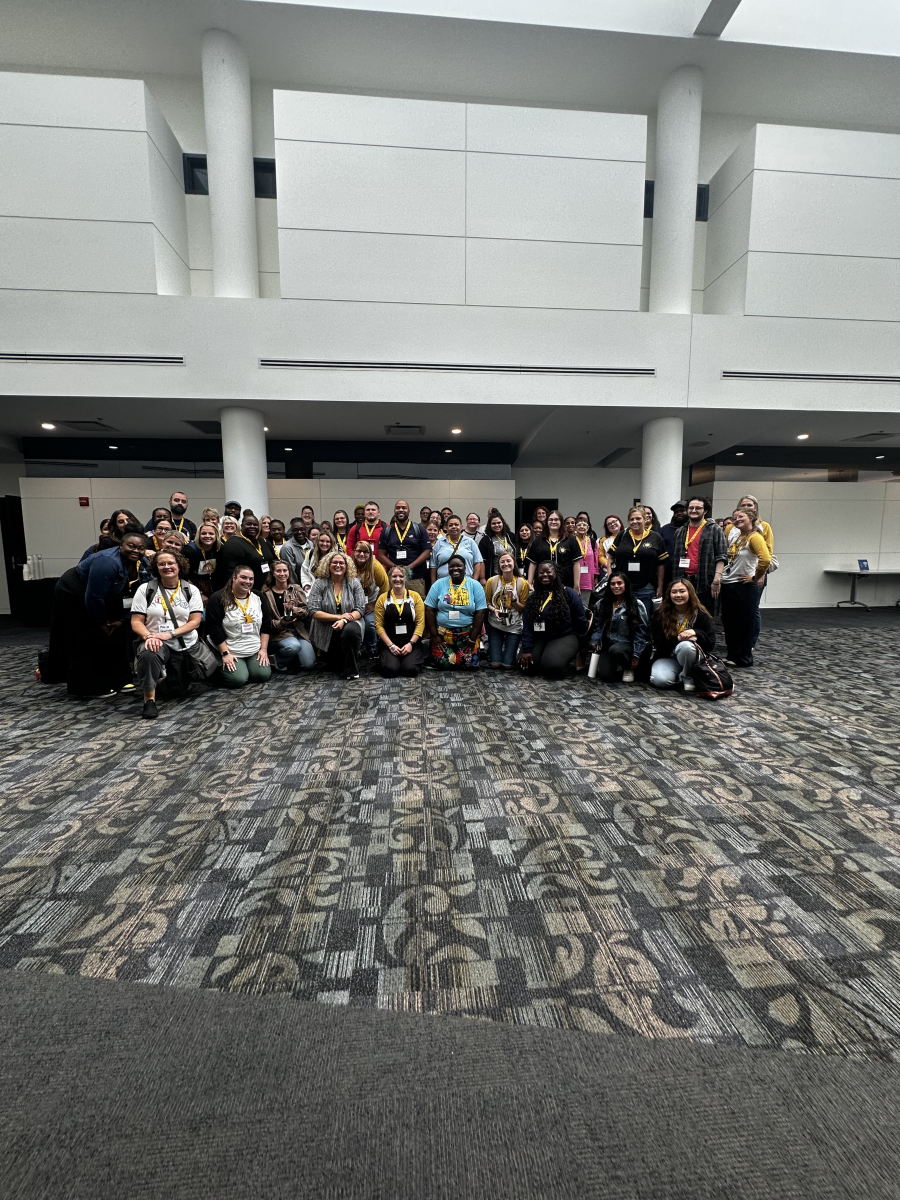
Amazing first week with students! So proud to be a part of a team that makes all feel like they belong!
Shout out to the Georgia team for all the hard work they put into our school initiatives this year!!

Shout out to the Georgia team for all the hard work they put into our school initiatives this year!!

Middle School Team has been incredible supportive of each other and frequently checking in to see if anyone needs any support. Really embodying the B in BEARS!

Thanks for showing you care! 🫶🏾
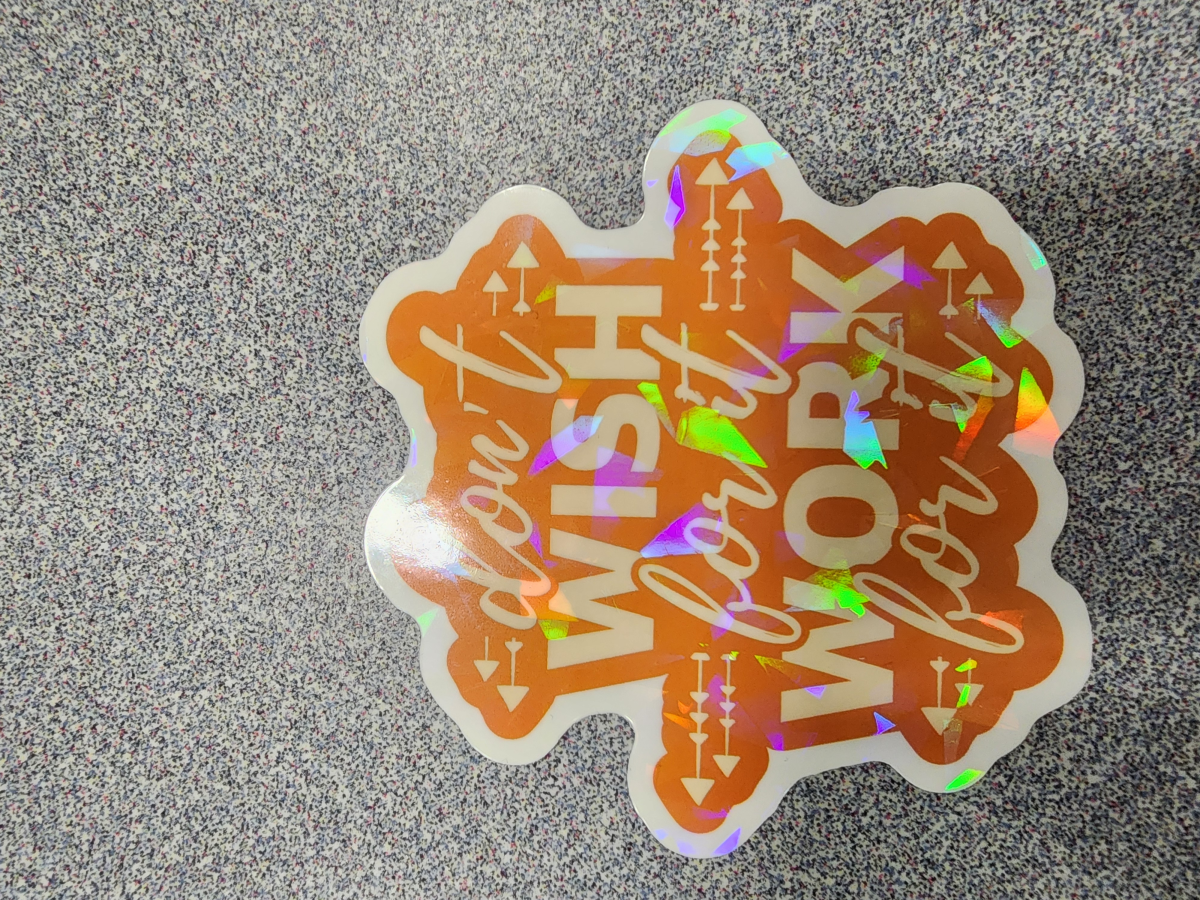
Elivia was amazing I loved sharing and getting to know her!
Working with the sped team today was great because we collaborated and were able to come up with our own goals for special education this school year.
Miss Murray always makes me laugh!
Thank you Kindess Wall team for your continued dedication to our project ❤️
Hey Applegett and Harris,
You both did a great job of making an engaging presentation today.
YOU BOTH ARE ALL-STARS!
.jpg)
You both did a great job of making an engaging presentation today.
YOU BOTH ARE ALL-STARS!
I want to shout out to all of the new committees and their dedication to help support and care for our staff! Go Bears!!
Thank you Kindess Wall team for your continued dedication to our project ❤️
Wyant has helped me feel "belonging" in my new role.
Ms. Dap gave a me feedback after sharing a personal fear. She is great at making people feel comfortable and prepared!!
Gregg: Just want to say how much I love how you set the example of crossing grade bands in building relationships! You are an amazing example of being a BEAR!!
Thank you to Ms. Elliott and Ms. Hughes for always making me feel welcome and like a part of the team.
Thank you Piits, for always leading with the needs of the students in mind!
I love the K team!!
M!!!! Thanks for helping with my laminating and copies. You da best!!!
Shoutout to Gregg for sharing her experience and wanting to make sure that everyone feels like part of the family!
Thanks Mrs. Brown for making me feel appreciated! 😉
~ Wyant
~ Wyant
Shout out to my team for helping me get caught up!
Megan King is amazing and keeps me in the know!
She rocks!
Patton,
Thank you for maintaining a calm vibe and for encouraging me to push myself.
Love,
Harris
Thank you for maintaining a calm vibe and for encouraging me to push myself.
Love,
Harris
Thanks to all the people who have shared today! You have given us the time and the information to help us start the year off strong
Thanks to all the people who have shared today! You have given us the time and the information to help us start the year off strong
Shout out to Ms. Green for being so flexible and positive!
You’ve all been amazing during PD!!