Only 14 more days until the end of the year, let's make it good y'all!
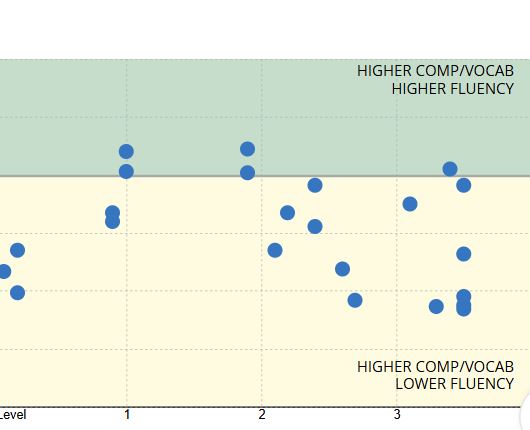
Greg Bingham, Noley Brower, Lane Cook, Paige Frederick, & Jax Toth have earned the HIGHEST STATUS in Reading Plus for both Comprehension & Fluency! Keep up the excellent effort!
Landon Bohac helped a student learn how to figure math integers during Longhorn Time.
Shout-out to Mrs. Shoemaker's 4th period class for being great hosts to our guests on Jan. 27. They were fun, engaged, and patient as they showed the guests the Reading Plus platform. I was very impressed and very proud of them!
Shoutout to the students below for earning 100% on both math finals!!

Jax Toth
Miles Anderson
Barbara Early
Katie Hawthorne
Cece McKay
These kids all had 20 points or more growth on NWEA Math from Fall to Winter!
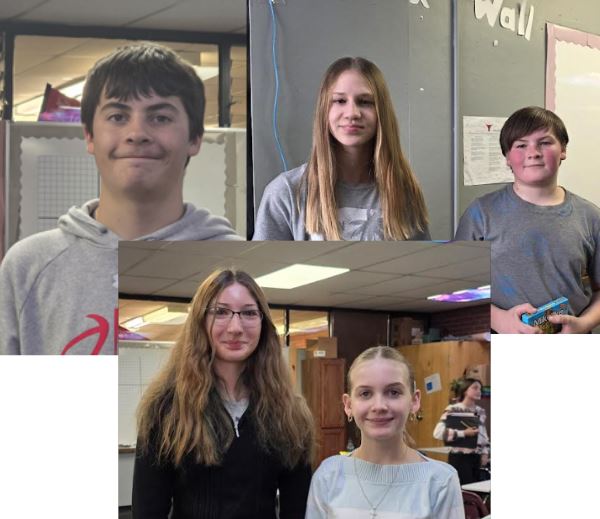
Shout out to Katie Hawthorne for getting a 100% on the last Algebra 1 unit test. And also to Jace, Liam, and Kyndal for getting a 98% on that same test! Way to go!!
Shoutout to Mrs. E's 5th period geometry students who averaged as a class a 93.8% on their last unit test! Of those, MIles Anderson, Saydee Cords and Parker Deboodt had 100%!
have a great weekend 😜

Maddie Guzman was helping a friend in the hallway with their sweatshirt!
Congrats to Kyndal Reich for getting the highest score on the unit math test! Way to go Kyndal!
Tempe helped me with my math homework !!!!!
JUST DANCE!
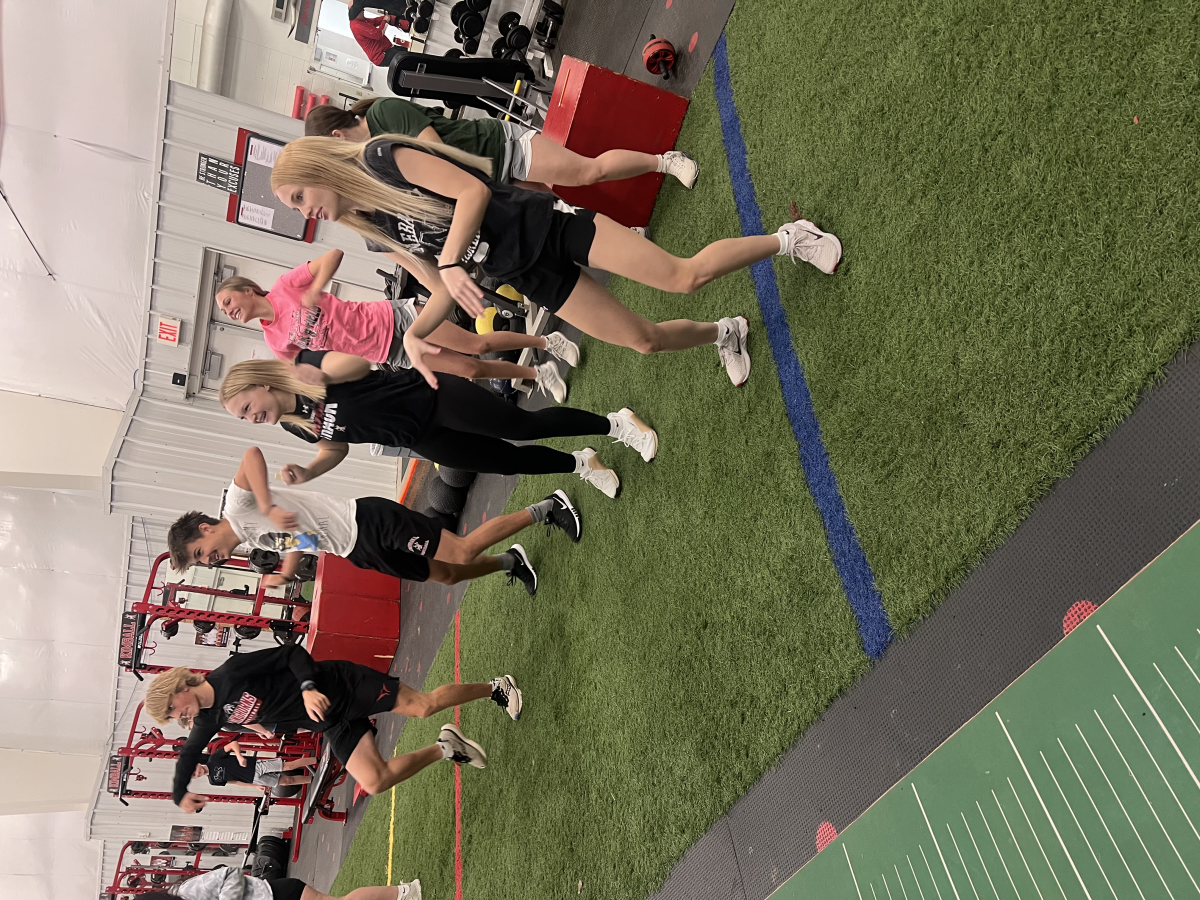
good luck JH volleyball

Jordyn help he with my work today
Mrs. Shields goes out of her way to be helpful to all students in my classroom. She is also always helpful to the teacher, which makes the period go smoothly. This results in a win-win for everyone. THANK YOU, Mrs. Shields.
Thank you Cashlyn for helping another student take notes!
Ty Cook was walked past a friend doing work in Longhorn Time. He said hello and the friend asked him if he remembered how to do some Math problems. Ty sat down, grabbed a piece of paper, and proceeded to show his peer the steps to complete the problem. Then, he asked his friend to show him the next problem, and the next, continuing to help his friend learn the solutions for over 30 minutes.
Hanging in geography!
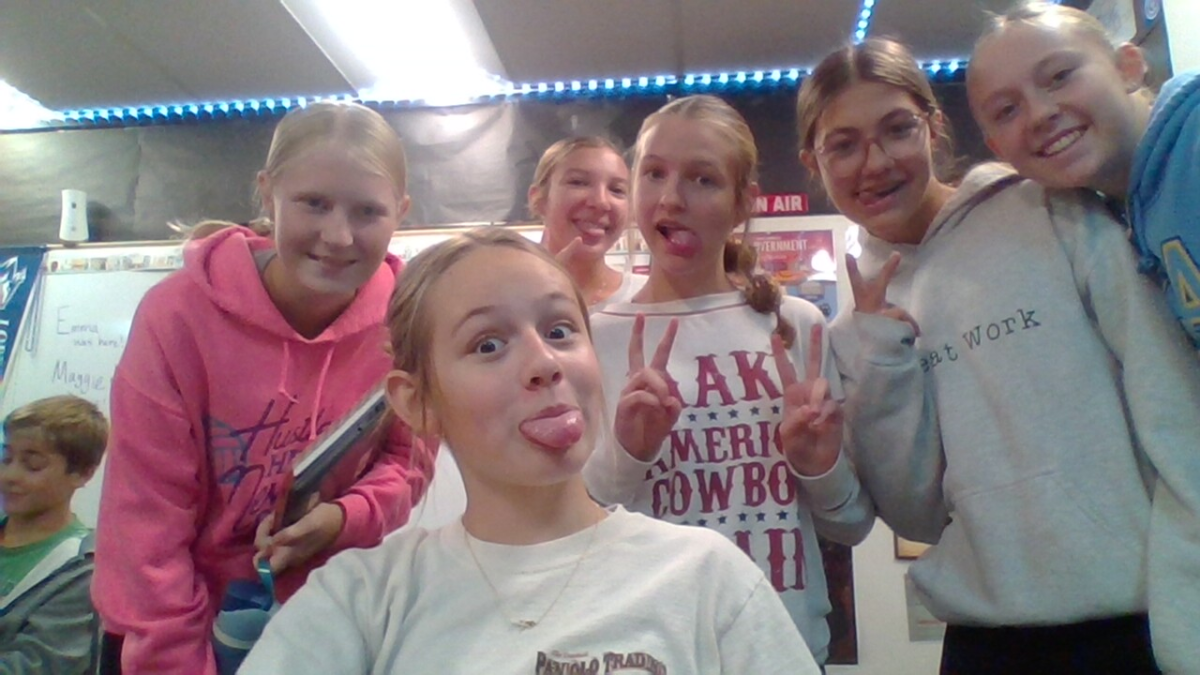
Thank you to Harley Long for helping clean up a mess in the hall way even though it wasn't his
Mrs. Schutz would like to thank her testing group for being so positive and patient!!! Thanks, sophomores!!!
Big shout out to the students who jumped in on our morning song today! Singing with a crowd beats singing like a lonely shower soloist any day. 🎶 The more voices we have, the louder (and prouder) our Longhorn spirit sounds—so don’t be shy, come sing with us next time!
Britton helped a student in the hallway. Way to go Britton!!
Have a good weekend!
Mrs. reader is the best substitute teacher
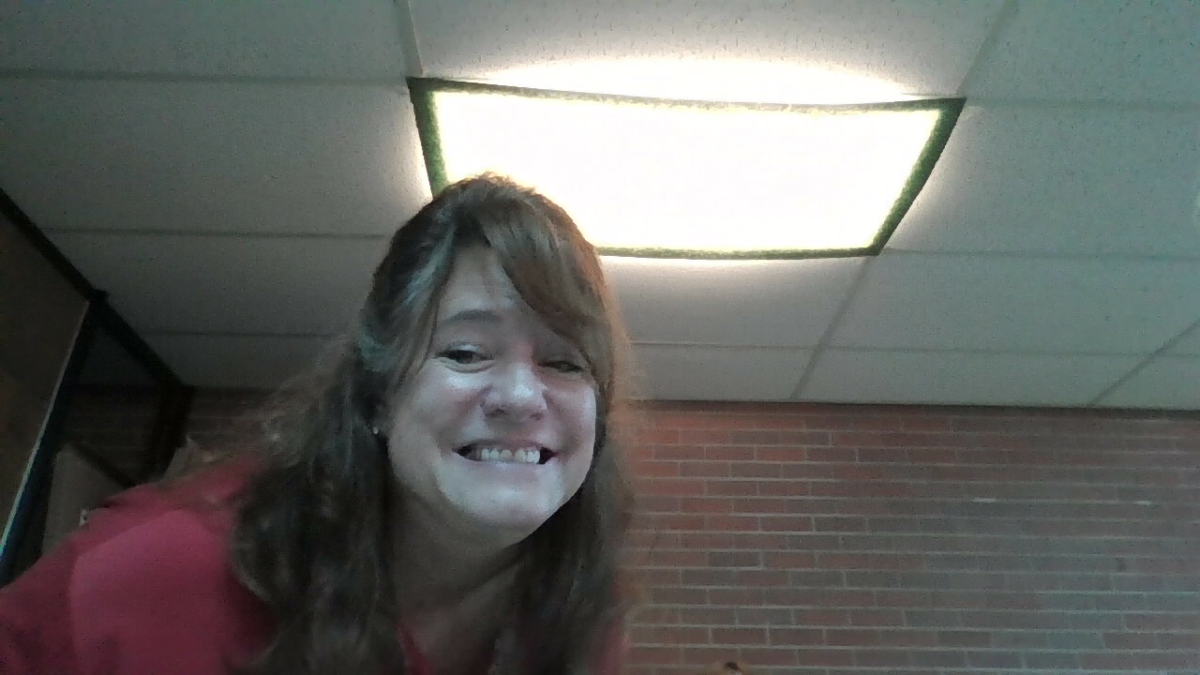
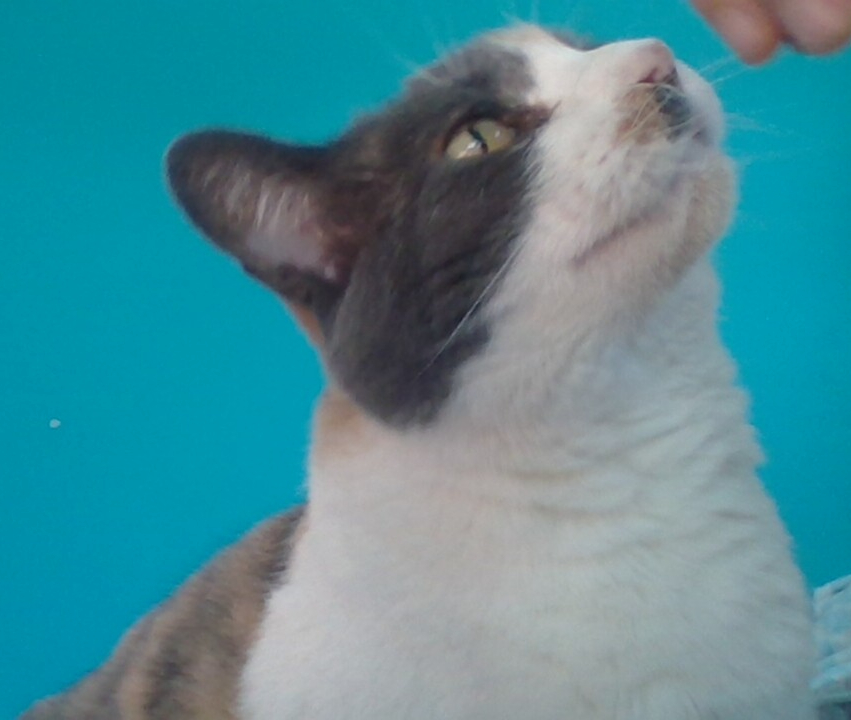
Mrs. Reader(the principal) is the best substitute teacher so here's a picture of my cat
Mrs.Reader is the best sub!
Mrs reader is the best sub ever
Alaina brought me a coffee and it made my day!! Thank you!

Have a good day

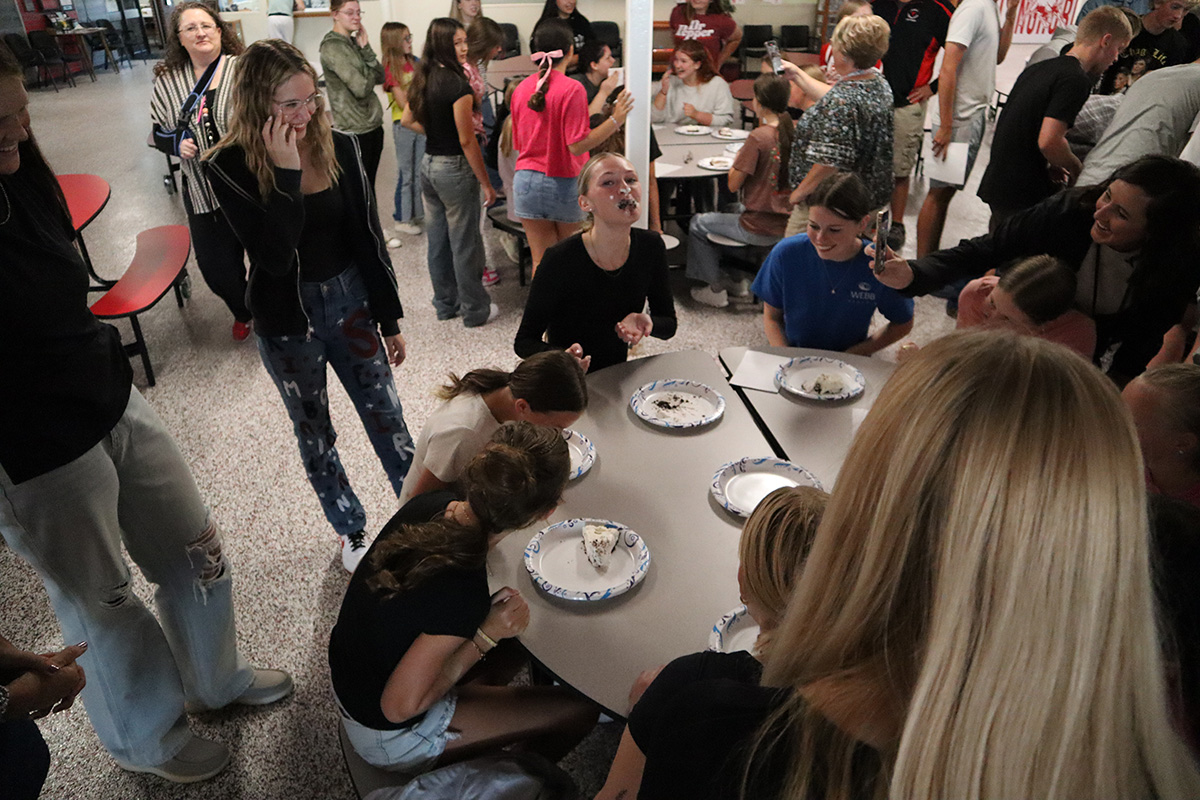
The first day of school ended with the popular pie-eating contest. What a great first day!
On their very first day as seniors, these girls took time to welcome some nervous 7th graders by helping them with their lockers and checking in on them. They remembered what it felt like to be new, and instead of just focusing on their own first day of senior year, they chose to support the underclassmen.
2 coolest teachers here
Welcome to the 25-26 School year! LEVEL UP Longhorns!

Go Longhorns!

If you would like to renew your YouUplift Kindness eWall subscription, then please click on one of the following:

If you feel you are receiving this message in error, then please contact us at:
doug@YouUplift.com
276-733-9204
Yes! There are no Sign-Ups and no Log-Ins required in order to participate, as we collect no data or information of any kind. The platform is currently being used by large and small school systems throughout the country in almost all 50 states, and it has passed 100% of all school privacy regulations to date.
Yes! You can have all messages sent to as many faculty email inboxes as you’d like for Approval, and we can change or add to this list at any time.
Yes! Many of our schools do this, because if your students take to it – then the messages can begin to overflow your school email inbox at times. Not only will a separate gmail account prevent this from happening, but you can also make it accessible to all faculty members if you choose to.
You can choose one of three ways to display your messages onto a facility TV monitor.
  1. HDMI CORD – Some schools will access their Kindness eWall on a laptop and run an HDMI cord to their TV monitor.
  2. CAST – Some schools will access their Kindness eWall via a tablet or device and will cast it to their TV monitor via a Chromecast or Apple TV device.
  3. SMART TV WITH INTERNET BROWSER – If your Smart TV has an Internet Browser (Samsungs), then you can place your Kindness eWall link in the browser and it will run from there.
Yes! You can edit the text of any message before Approving it. In addition, if you’d like to keep a message but would like to remove an included image… or if you’d like to keep an image and remove the text, then you can do this before Approving the message. Your Rotating Display will only display exactly what you choose to make visible.
You will have a back office ADMIN PANEL that will allow you to delete, edit, and approve messages (individually or in bulk).
You will have a back office ADMIN PANEL that will allow you to customize your colors, logo, title, and font size.
Upon your request, we can replace your current Anonymous Submission Form with a Form from your school’s email system (ex. Google Form). This makes messages come to you with the author’s email address included, and you simply COPY/PASTE the message onto your INSTANT POST Page in order to make it live.

(Note: Because messages are submitted through your school’s email system, the Character eWall collects no data or information – making it fall within all school privacy regulations.)
We can provide your Tech Team with a simple line of code that will allow them to embed your Rotating Display of Approved Messages onto your school website, so that they are visibly scrolling whenever anyone comes to your site.
The system is set to display the 100 most recently Approved messages, as older messages start falling out of the rotation in order to make room for the newer messages. However, we can increase or decrease this number to be whatever you’d like it to be.
Your subscription includes an unlimited number of messages and an unlimited number of displays for everyone in your school for the entire length of your subscription.
Yes and No. Your Character Wall is a web app, but it is not located in an App store. However, this link shows you how you can easily turn your Kindness Wall into an app for any android or apple device: Phone Web App Instructions
Phone App Install Feature
Currently, YouUplift does not have an app located in the App Store. However, the following link provides simple instructions on how to easily turn your Kindness eWall into a homepage app for any mobile device: Phone App Install Instructions
(Great tech assignment for students!)
Website Embed Feature
This feature provides your Tech Team with a simple line of code that would allow you to embed your Rotating Display of Positive Messages into your school website, so that visitors can instantly see your messages.
Social Media Share Feature
This feature places Social Media Share Buttons on your entire Kindness e-Wall webpage or just on your Rotating Display only – whichever you prefer.

Yes! There are no Sign-Ups and no Log-Ins required in order to participate, as we collect no data or information of any kind. The platform is currently being used by large and small school systems throughout the country in almost all 50 states, and it has passed 100% of all school privacy regulations to date.

Yes! You can have all messages sent to as many faculty email inboxes as you’d like for Approval, and we can change or add to this list at any time.

Yes! Many of our schools do this, because if your students take to it – then the messages can begin to overflow your school email inbox at times. Not only will a separate gmail account prevent this from happening, but you can also make it accessible to all faculty members if you choose to.

You can choose one of three ways to display your messages onto a facility TV monitor.
  1. HDMI CORD – Some schools will access their Kindness eWall on a laptop and run an HDMI cord to their TV monitor.
  2. CAST – Some schools will access their Kindness eWall via a tablet or device and will cast it to their TV monitor via a Chromecast or Apple TV device.
  3. SMART TV WITH INTERNET BROWSER – If your Smart TV has an Internet Browser, then you can place your Kindness eWall link in the browser and it will run from there.

Yes! You can edit the text of any message before Approving it. In addition, if you’d like to keep a message but would like to remove an included image… or if you’d like to keep an image and remove the text, then you can do this before Approving the message. Your Rotating Display will only display exactly what you choose to make visible.

You will have a back office ADMIN PANEL that will allow you to delete, edit, and approve messages (individually or in bulk).

You will have a back office ADMIN PANEL that will allow you to customize your colors, logo, title, and font size.

In it’s default setting, your school’s Kindness eWall uses an Anonymous Submission Form in order to comply with all school privacy regulations. Therefore, though you will be able to APPROVE all submitted content before it becomes visible, you will not know who the author of the message is.


HOWEVER, upon your request, we can include a SUBMISSION FORM LOGIN which would require users to enter their email / password in order to submit a message. This would allow you to APPROVE all submitted content before it becomes visible and will also provide you with the email address of each message’s author (whether you Approve it or not).

We can provide your Tech Team with a simple line of code that will allow them to embed your Rotating Display of Approved Messages onto your school website, so that they are visibly scrolling whenever anyone comes to your site.

The system is set to display the 100 most recently Approved messages, as older messages start falling out of the rotation in order to make room for the newer messages. However, we can increase or decrease this number to be whatever you’d like it to be.

Your subscription includes an unlimited number of messages and an unlimited number of displays for everyone in your school for the entire length of your subscription.

Yes and No. Your Kindness Wall is a web app, but it is not located in an App store. However, this link shows you how you can easily turn your Kindness Wall into an app for any android or apple device: Phone Web App Instructions